






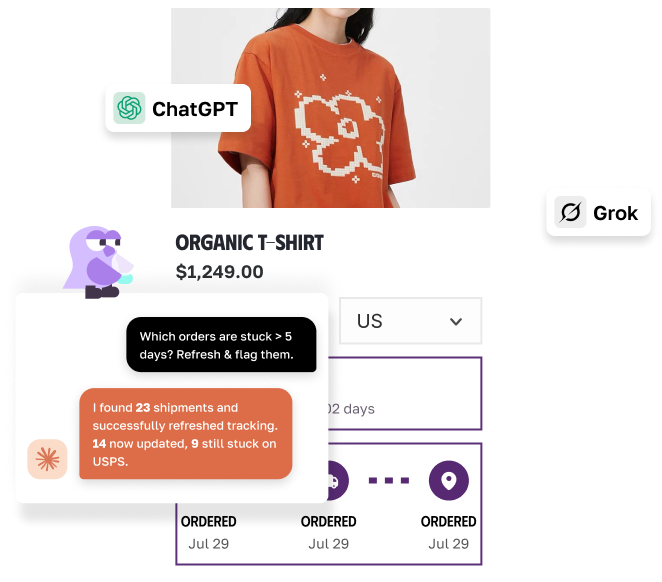
THE PROBLEMUncertainty is what loses the sale

Carts left behindWithout a delivery date on the page, shoppers hesitate at checkout, and many of them leave before they ever buy.

“When will it arrive?” emailsEvery order with no clear ETA turns into a support question, and those pile up fast during busy seasons.

Guesswork that missesManual estimates ignore cut-off times, weekends, and holidays, so the promise slips and customers feel let down.

CORE FEATURESEVERYTHING YOU NEED TO SET CLEAR DELIVERY EXPECTATIONS
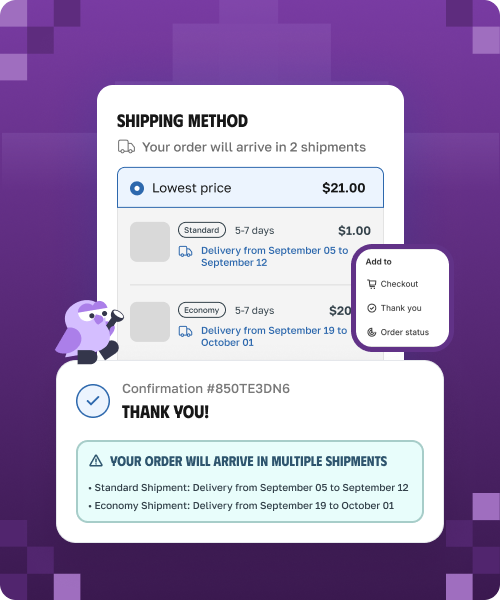
ETA across the journeyShow one delivery date everywhere it matters• Keep delivery expectations consistent from browsing to post-purchase.
• Show dates by shipping method, so shoppers can compare delivery options.
• Support Shopify Plus checkout with a live delivery-date extension.Learn more
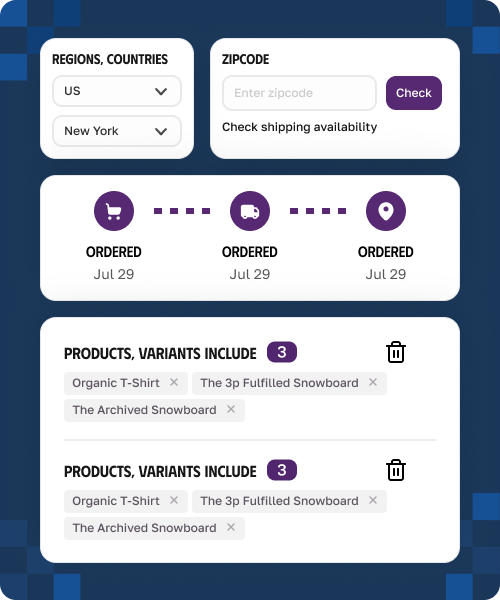
Rule EngineSET DIFFERENT DATES BY PRODUCT AND DESTINATION• Build rules by product, collection, vendor, tag, SKU, or metafield.
• Combine them with country, state, city, and ZIP for a date that fits each order.
• Fill a date into a product metafield, or apply one rule to a whole SKU pattern such as pre-orders.Learn more
AI AssistantLet AI write the delivery message for you• Turn cut-off times and delivery windows into shopper-friendly copy.
• Create urgency messages without sounding pushy.
• Support automatic language detection and translation for international shoppers.Learn more
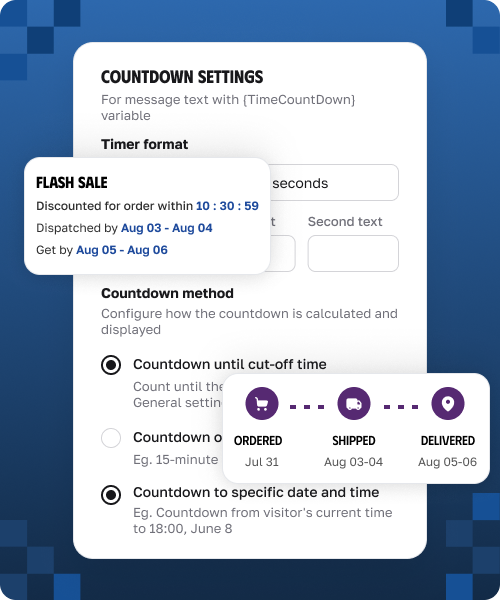
Countdown & urgencyTurn the cut-off time into a reason to buy now• Display countdown timers tied to your cut-off settings.
• Set countdowns by fixed duration, specific date, or daily cut-off time.
• Help shoppers decide sooner without making promises you cannot keep.Learn more
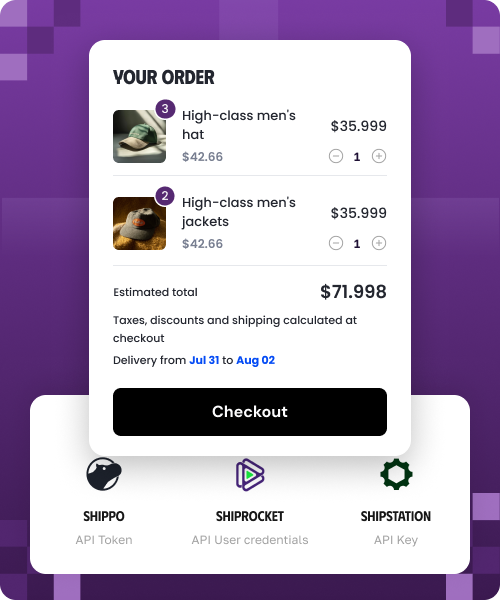
no manual workKEEP DELIVERY DATES EASIER TO MAINTAIN• Pull delivery data from supported shipping tools and carrier integrations.
• Customize date widgets with visual editor and templates.
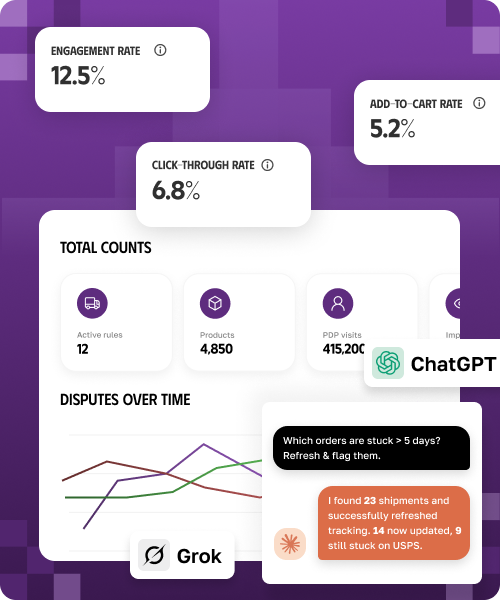
• Track impressions, product-page visits, active rules, and delivery-date performance.Learn more
HOW IT WORKSSet up in minutes
1
Switch it onInstall and switch on the widget. Turn on the app block in your theme and enable your first shipping rule.2
Let it calculatePip works out the date. Using your cut-off times, working days, and carrier data, Pip calculates a realistic delivery window for each product and destination.3
Show it everywhereThe date appears across your storefront and emails, and updates on its own as your rules change.INTEGRATIONSConnects with your shipping stackConnect with 100+ carriers and the world's leading commerce platforms.













YOU MIGHT ALSO LIKEBetter with the rest of Synctrack

Synctrack Order TrackingGive customers a branded tracking page with real-time order updates, so they do not need to ask where their order is.
Install Free
Synctrack PayPal Tracking SyncSynctrack syncs tracking to PayPal and Stripe automatically, so your funds clear faster and disputes are handled for you.
Install Free
Synctrack Return & ExchangeTurn returns into exchanges and keep the revenue in your store.
Install FreeFrequently Asked Questions
On the product page, cart, checkout, thank-you page, order status page, and in confirmation emails.
Turn on the app block or embed in your theme, and enable the default Standard Shipping rule, which starts switched off. The widget appears once both are on.
Synctrack adds your preparation time and shipping time to give an earliest-to-latest window. It respects your cut-off time, working days, weekends, and holidays, so the date stays realistic.
Yes. Rules can target product, collection, vendor, tag, SKU, or metafield, combined with country, state, city, and ZIP.
Yes. It auto-detects country and ZIP through geolocation, and shoppers can also enter a ZIP to check their own date.
Yes. A countdown timer shows how long a shopper has to order for the next dispatch, which gently encourages them to buy sooner.