






THE PROBLEMThe post-purchase gap that costs you

WISMO tickets pile up fastWhen tracking updates are unclear, customers ask support for answers they should be able to find themselves.

Tracking visits go underusedCustomers come back to check order status while they wait. A plain carrier page gives them an answer, but not a reason to return to your store.

Delivery issues surface too lateSlow carriers, delayed routes, and stuck shipments are hard to spot until customers start asking what went wrong.

CORE FEATURESBuilt to cover the whole process
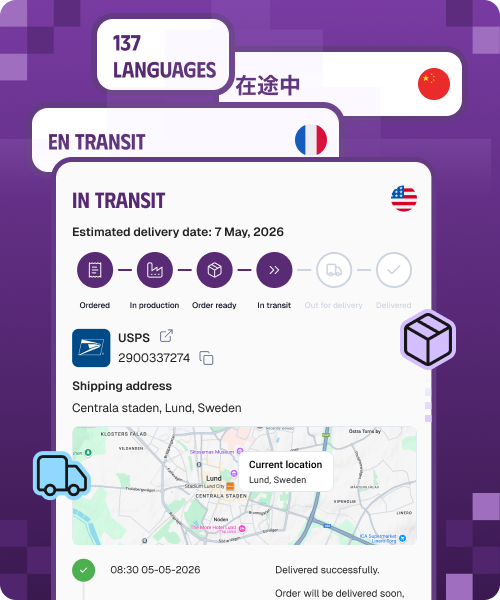
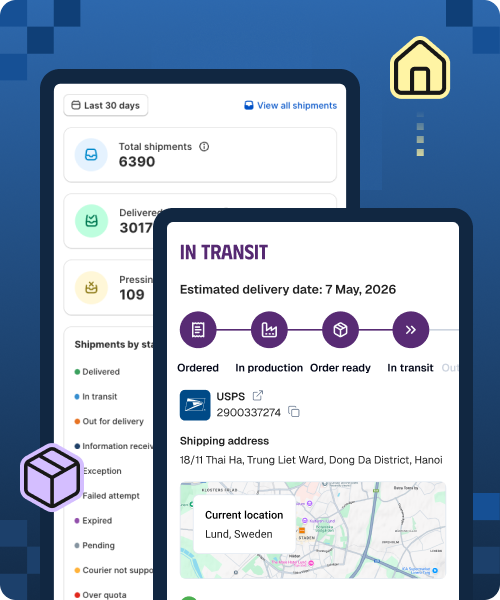
Branded Tracking PageA tracking page that looks and sells like your store• Let customers track orders on a branded page instead of a generic carrier site.
• Support 137+ languages for international shoppers.
• Add product recommendations, review widgets, and custom statuses to make tracking more useful.Learn more
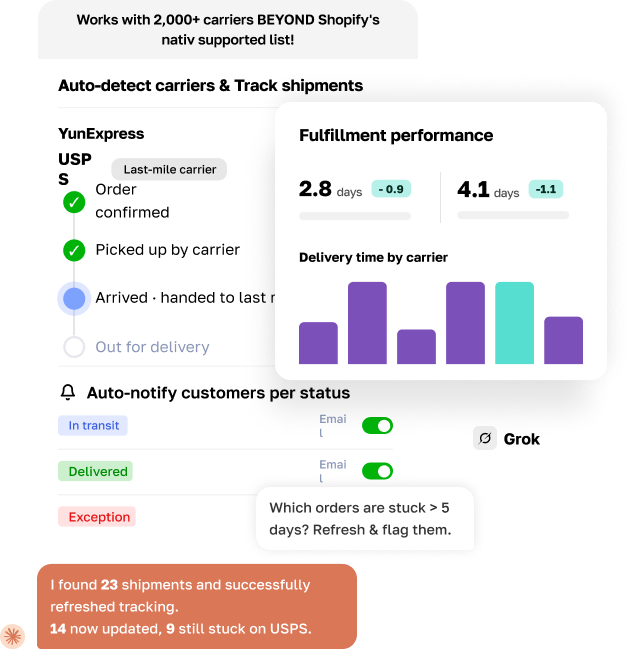
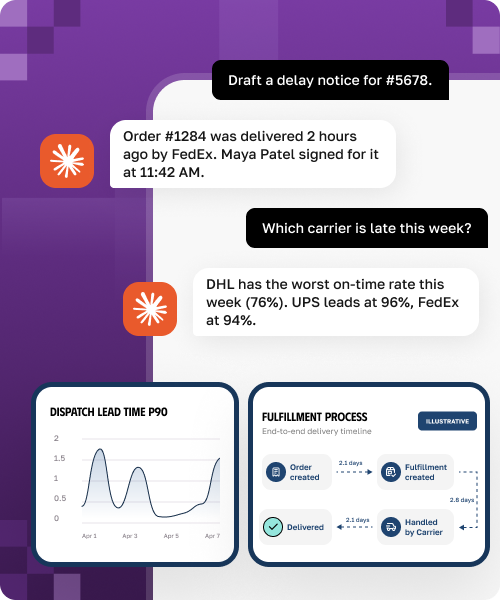
AI Fulfillment AnalyticsSpot slow carriers and delivery issues earlier• Analyze fulfillment and tracking data by carrier, route, destination, and status.
• Identify delayed shipments, failed delivery attempts, and exception patterns.
• Use AI prompts to ask which shipments need attention.
• Analytics track delivery times and carrier performance across every route.
• Available from the Launch plan and up.Learn more
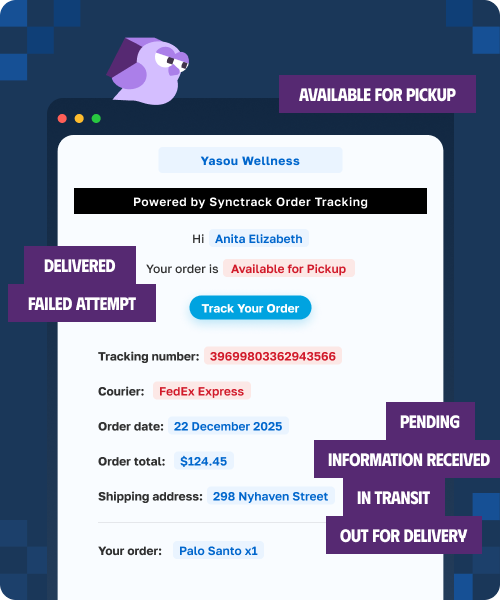
Email notifications & estimated deliveryKeep customers updated without extra support work• Send automatic email updates at key shipment milestones.
• Show estimated delivery dates on the tracking page.
• Give customers clearer expectations before they ask support.Learn more
Built for dropshippingKeep the delivery experience focused on your brand• Hide or replace supplier locations, origin details, and carrier names when needed.
• Redirect Shopify tracking links to your branded tracking page.
• Customize statuses so the delivery journey feels clear and consistent.Learn more
Automation & AI connectionsConnect tracking updates to the tools your team already uses• Trigger Shopify Flow automations when shipment status changes.
• Send tracking events into tools like Klaviyo, Gorgias, and Judge.me through Flow.
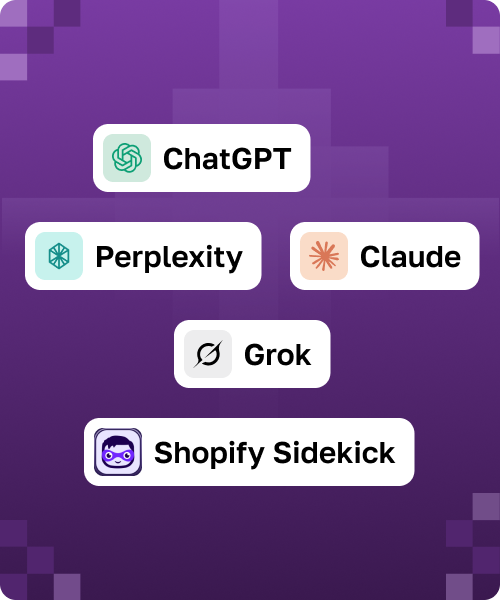
• Bring order tracking context into AI assistants through the Trakow MCP server.Learn more
HOW IT WORKSSet up in minutes
1
Customize your tracking pageConfigure your logo, brand colors, banners, and tracking information you want to show in the tracking page.2
Embed the tracking page directly in your storefrontWe replace carrier tracking links with your branded page automatically.3
Set up notifications & alertsAutomatically send shipment status emails to both customers and your internal team.INTEGRATIONSWorks with your gateways and your stackConnect with 100+ carriers and the world's leading commerce platforms.














YOU MIGHT ALSO LIKEBetter with the rest of Synctrack
Synctrack PayPal Tracking SyncSync tracking to PayPal and Stripe automatically, so your funds clear faster and disputes are handled for you.
Install FreeSynctrack Return & ExchangeTurn returns into exchanges and keep the revenue in your store.
Install FreeFrequently Asked Questions
“Where is my order?” emails typically make up 10 to 40% of support tickets. Synctrack deflects them with a self-serve branded tracking page and automatic email updates at each milestone, so customers stop asking and the page becomes a place to upsell.
Your tracking keeps working, and orders beyond your quota simply wait until the next cycle or until you add capacity. Nothing is billed without your action, so you always know your ceiling.
Synctrack is built for Shopify and tracks across 2,880+ carriers with automatic carrier detection. It connects to Shopify Flow for automation and embeds in builders like PageFly, Avada, and Ecomposer.
No. On install, Synctrack syncs your existing Shopify orders and starts tracking them, so there is nothing to re-import. Set up your page and notifications once, optionally repoint Shopify’s tracking links to your page, and you are live.
You control the logo, colors, banners, and statuses, and you can translate the page into many languages. For dropshipping, the blacklist hides or replaces origins and keywords, and upsell blocks let the page earn revenue.