You’re leaving 10-30% extra revenue on the table after every sale. That’s not a guess-it’s what upsell app data consistently shows across thousands of Shopify stores.
The fix? A Shopify post-purchase upsell.
One merchant doubled his average order value from $25 to $50 using this strategy. Another jewelry brand saw customers spend 58% more per order. The secret isn’t selling harder-it’s selling smarter, right after checkout when customers are most likely to say yes. This guide shows you exactly how to capture that hidden profit. Keep reading to turn every sale into a bigger one.
Contents
A post-purchase upsell is an offer that pops up right after your customer finishes paying. They’ve already entered their card info and confirmed the order. Now you show them one more thing they might want.
The best part? They can add it with a single click. No typing payment details again. No friction.
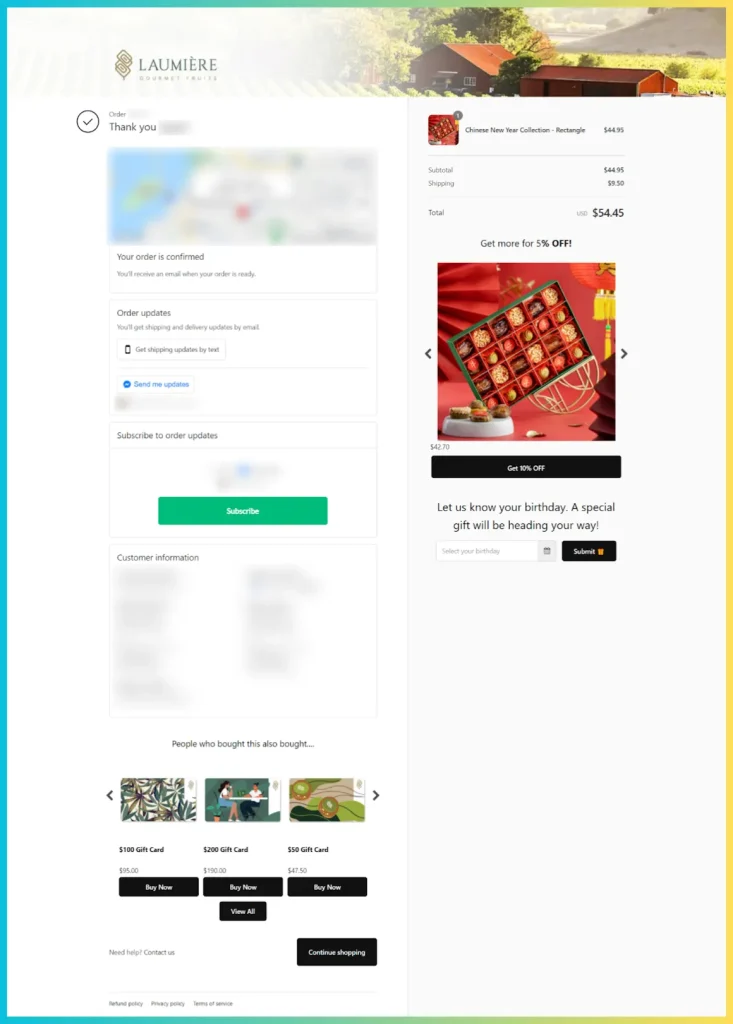
Here’s an example: A customer buys a camera. Right after checkout, they see an offer for a memory card at 20% off. They tap “Add to Order,” and it’s done. The memory card gets added to their existing order without any extra steps.
This differs from pre-purchase upsells, which show up before the customer pays. Those can sometimes distract shoppers or make them abandon their cart. Post-purchase upsells carry zero risk because the original sale is already complete.
Shopify merchants love this strategy for good reason. Here’s what makes it so effective:
Customer acquisition costs keep climbing. Running ads, building email lists, creating content-it all adds up. But with post-purchase offers, you squeeze more value from traffic you’ve already paid for.
Selling to someone who just bought from you has a 60-70% success rate. Compare that to 5-20% for convincing a brand-new person to buy. The math speaks for itself.
Right after clicking “Buy,” your customer feels good. They just made a decision, and their brain wants to stay consistent with that choice. Psychologists call this the “yes ladder.”
This mental state makes people more likely to accept another offer. It doesn’t feel like a new buying decision-it feels like adding a little extra to something they already committed to.
Data backs this up. Post-purchase upsell conversion rates often hit 10-20%. That means up to 1 in 5 customers who see the offer will accept it.
Pre-checkout pop-ups can backfire. They interrupt the buying process and sometimes push people away entirely. About 86% of shoppers abandon carts when something distracts them during checkout.
Post-purchase offers avoid this problem completely. The original order is locked in. If someone skips the upsell, no harm done-they just see their order confirmation.
When you know what someone bought, you can suggest something that genuinely helps them. Should someone buy running shoes? Offer performance socks. They purchased a laptop? Show a carrying case.
Done right, these suggestions feel helpful rather than pushy. Customers appreciate recommendations that make their purchase more complete.
Post-purchase upsells don’t just boost immediate revenue. They also introduce customers to more of your catalog.
Think about it: if someone accepts an upsell for a related product, they now own two items from your store. They’re more invested in your brand. More likely to come back.
This turns one-time buyers into repeat customers without expensive remarketing campaigns.
Understanding the technical side helps you implement this better. Here’s what happens behind the scenes.
Shopify created a special page that appears after payment but before the thank-you page. This is where your upsell offer lives.
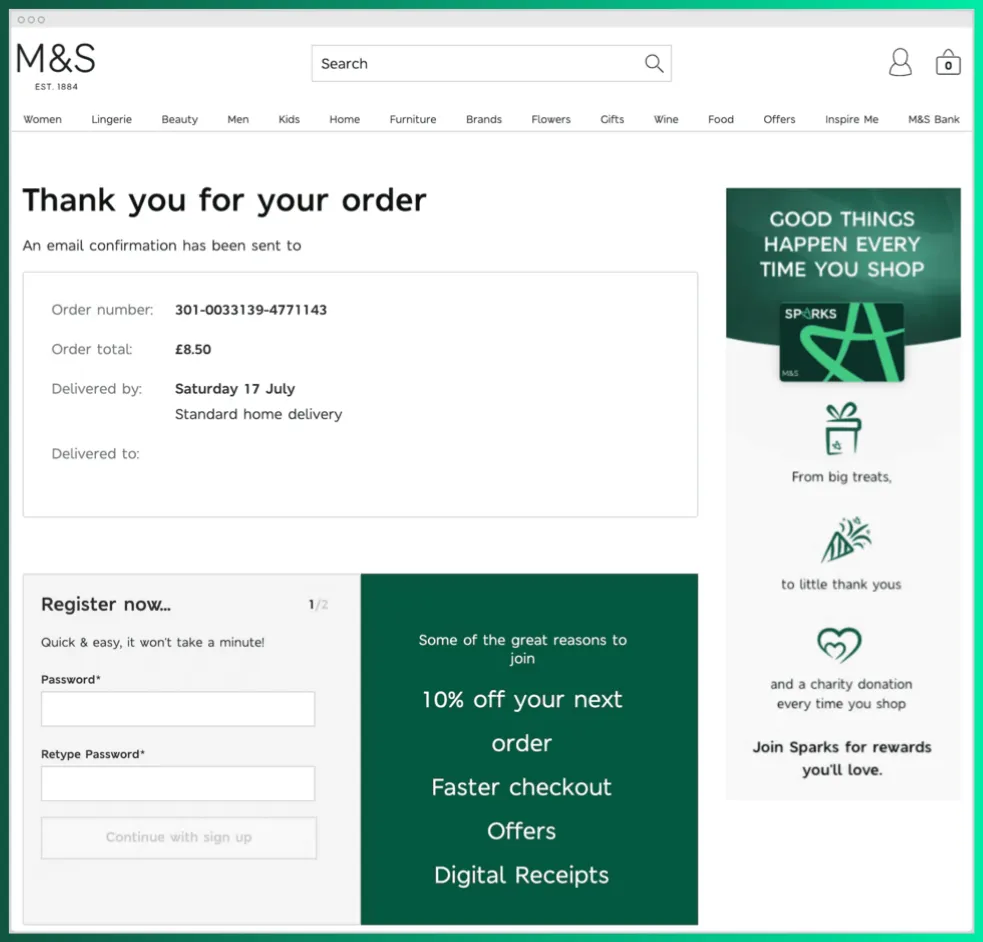
When a customer completes checkout with a credit card, Shopify briefly holds the order. The customer sees your offer and can accept or decline. If they accept, the new item gets added and their card is charged for the additional amount. If they decline, the hold releases and the original order processes normally.
This whole thing takes seconds. From the customer’s view, they click one button and the item is added. No forms, no hassle.
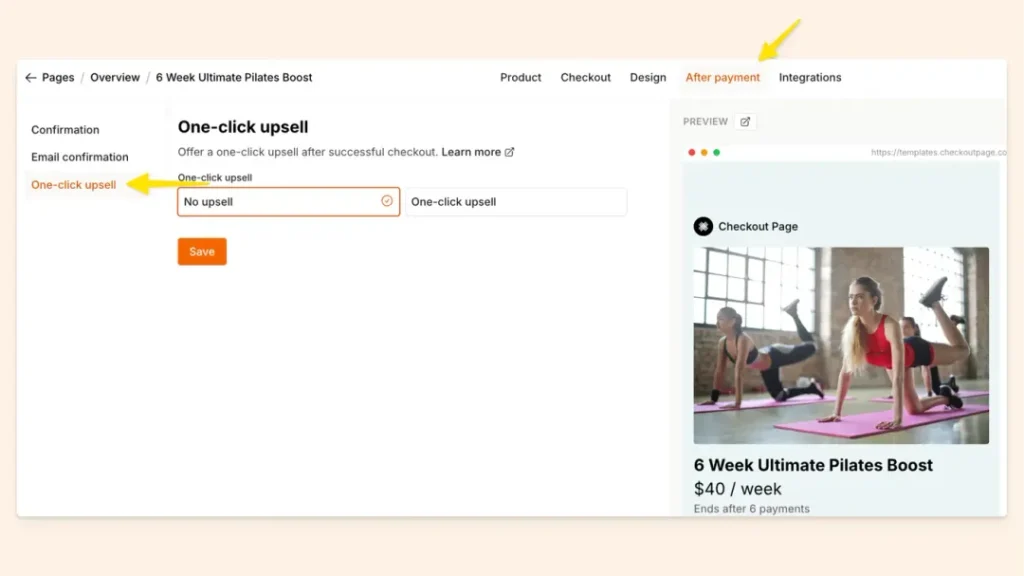
Shopify created a special page that appears after payment but before the thank-you page. This is the most seamless option.
When a customer completes checkout with a credit card, Shopify briefly holds the order. The customer sees your offer and can accept or decline. If they accept, the new item gets added and their card is charged for the additional amount. If they decline, the hold releases and the original order processes normally.
This whole thing takes seconds. From the customer’s view, they click one button and the item is added. No forms, no hassle.
Limitation: Not every checkout supports this method. If someone pays with Apple Pay, Google Pay, PayPal, or buy-now-pay-later services, the upsell page won’t show. These payment methods don’t let Shopify store card info for additional charges. Standard credit card payments work fine, and that’s still the majority of transactions for most stores.
The thank-you page (order confirmation) is another prime spot for upsell offers. After customers see their order details, they can browse product recommendations or special deals.
This method works with all payment types since it doesn’t require charging the saved card. Customers who want the upsell simply click through to a quick checkout for the new item, or use a “reorder” button if their payment info is saved.
Thank-you page upsells feel less urgent than one-click offers, but they let you show multiple products without overwhelming customers. Many merchants add countdown timers here: “Add this item in the next 10 minutes for 20% off.”
Some apps trigger a pop-up immediately after the order is confirmed. This grabs attention before customers leave your site.
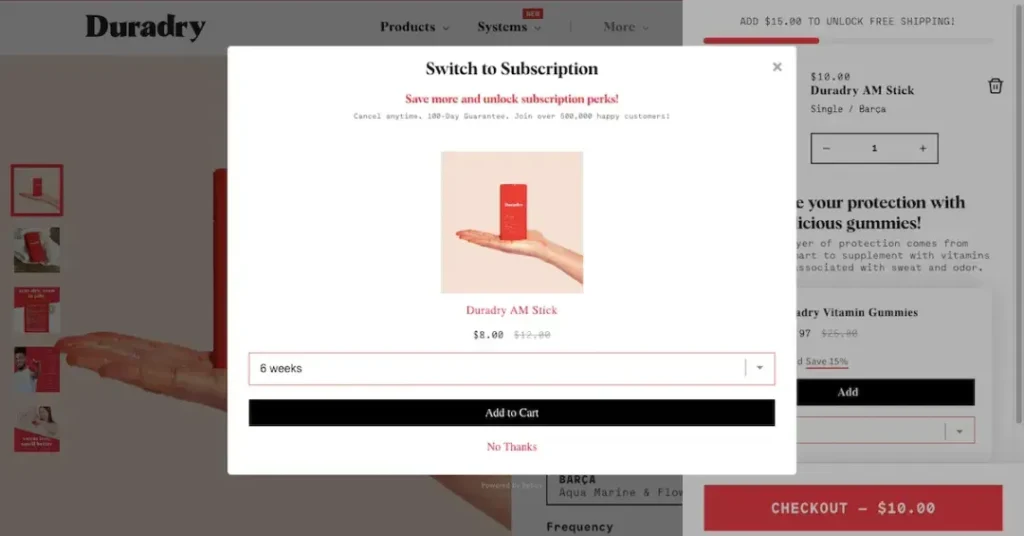
The pop-up typically shows one focused offer with a clear accept or decline option. It’s more visible than thank-you page widgets, but it can feel slightly more intrusive if not designed well.
Best practice: keep popups simple, mobile-friendly, and easy to close. Customers should never feel trapped.
Upselling doesn’t have to happen on your website. Email sequences sent after purchase can recover customers who skipped other offers.
A well-timed email, maybe 24-48 hours after delivery, can say: “Enjoying your new camera? Grab this memory card at 15% off, exclusive for recent buyers.”
This approach works for any payment method and reaches customers when they’re using or thinking about their purchase. The downside: lower urgency than immediate post-checkout offers, and emails compete with crowded inboxes.
Not every checkout supports post-purchase offers. If someone pays with Apple Pay, Google Pay, PayPal, or buy-now-pay-later services, the upsell page won’t show. The same goes for gift cards.
Why? These payment methods don’t let Shopify store the card info for additional charges. So the customer skips straight to the thank-you page.
Standard credit card payments work fine, and that’s still the majority of transactions for most stores.
Our tip? One App at a Time: Shopify only allows one post-purchase upsell app to be active. If you install several, you’ll need to pick one in your Checkout settings. The others will sit inactive for this specific feature.
Not all upsells perform equally. These practices separate the winners from the duds.
Relevance matters more than anything else. If someone buys a winter coat and you offer them a swimsuit, they’ll pass immediately.
Think about what naturally pairs with each product. Kitchen mixer buyers might want extra attachments. Phone purchasers need cases. Coffee machine shoppers want beans.
One Shopify merchant doubled his average order value by making sure every upsell directly complemented the original purchase. His first offer was always a related accessory, and it converted at nearly 20%.
Map out your product catalog and identify the best upsell pairings before setting anything up. This planning pays off in higher conversion rates.
Don’t overwhelm customers with options. One focused offer beats a catalog dump every time.
The sweet spot seems to be one upsell, maybe followed by a downsell if they decline. More than two or three steps frustrate people. They want to see their confirmation page, not navigate an obstacle course.
If someone says no to your main offer, try a smaller, cheaper alternative. But if they say no again, let them go.
Research from upsell apps suggests the optimal structure is one upsell plus one downsell. Going beyond that rarely improves results and often hurts the customer experience.
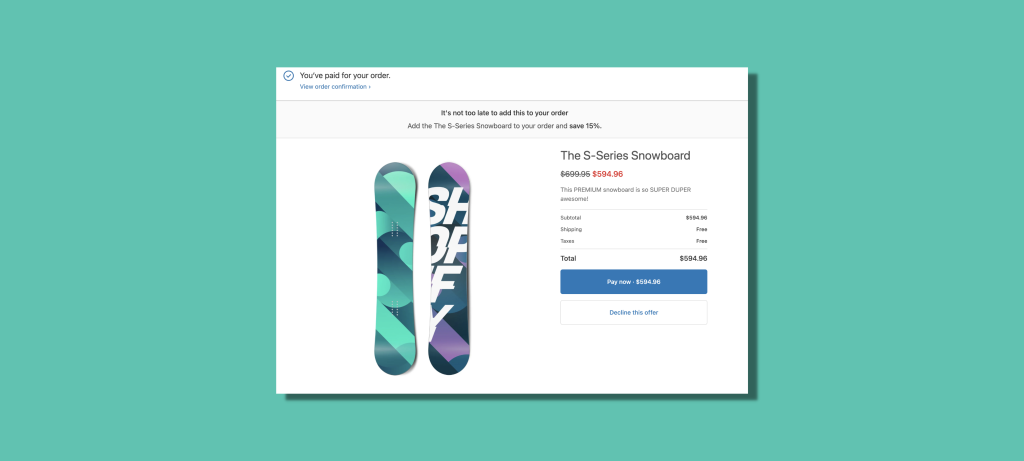
Limited-time offers push people to act now instead of later. A countdown timer or exclusive discount creates that pressure.
Jenny Bird, a jewelry brand, ran upsells with a one-minute timer and 15% discount. The tight window encouraged quick decisions without feeling aggressive.
Phrases like “Add this to your order in the next 60 seconds” or “One-time offer: 20% off” work well here.
The key is balancing urgency with authenticity. Fake scarcity annoys customers. Real, limited deals motivate them.
Remind customers how easy this is. “No extra checkout needed” or “Add with one click” removes mental barriers.
The friction-free process is your biggest advantage. Make sure shoppers know they won’t have to dig out their credit card again.
Button text matters too. “Yes, add to my order” performs better than generic “Buy now” because it reinforces the simplicity.
Upselling a $20 accessory after a $500 purchase makes sense. Upselling a $300 item after a $20 purchase feels aggressive.
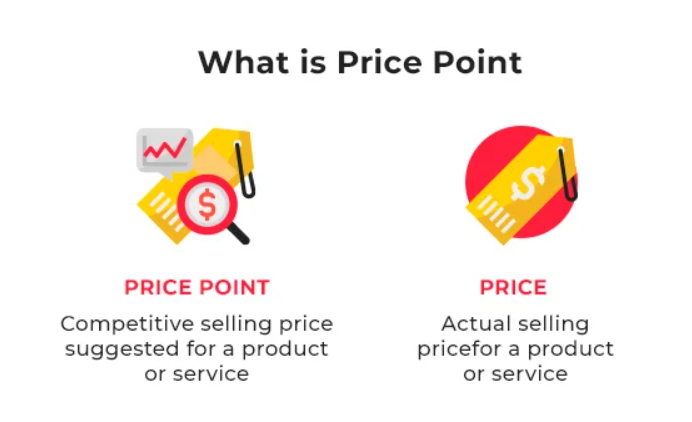
Keep upsell items at or below the original purchase price. If you’re offering something pricier, make the discount substantial-maybe 40-50% to justify the bigger ask.
Some merchants find success with tiered upsells: first offer a small accessory, then, if accepted, offer a premium upgrade. By that point, the customer has said yes twice and might consider a larger item.
Generic offers underperform personalized ones. The more tailored your suggestion, the better it converts.
Advanced apps use AI to automatically select upsell products based on browsing history, purchase patterns, and similar customer behavior. Even without AI, you can set rules: show different offers based on the product purchased, order value, or whether they’re a new or returning customer.
Personalization makes the offer feel less like a sales pitch and more like a helpful recommendation.
Theory is nice, but results matter more. Here’s what actual stores achieved.
Shopify merchant Shishir Nigam struggled with traditional cross-sells on product pages. They distracted shoppers and hurt conversions.
He switched to post-purchase upsells using Zipify OCU. His funnel included three upsells and two downsells, all related to the original purchase.
The structure worked like this: if someone bought the main product, they saw a complementary item first. If they said yes, they saw an upgrade option. If they said no to the first offer, they saw a cheaper downsell instead.
Results: One offer page alone converted at 20% and generated $58,000. Total upsell revenue hit $97,700 in a year, doubling average order value from $25 to $50.
The key takeaway: every extra dollar from upsells was pure margin since he didn’t pay additional advertising costs to acquire those customers.
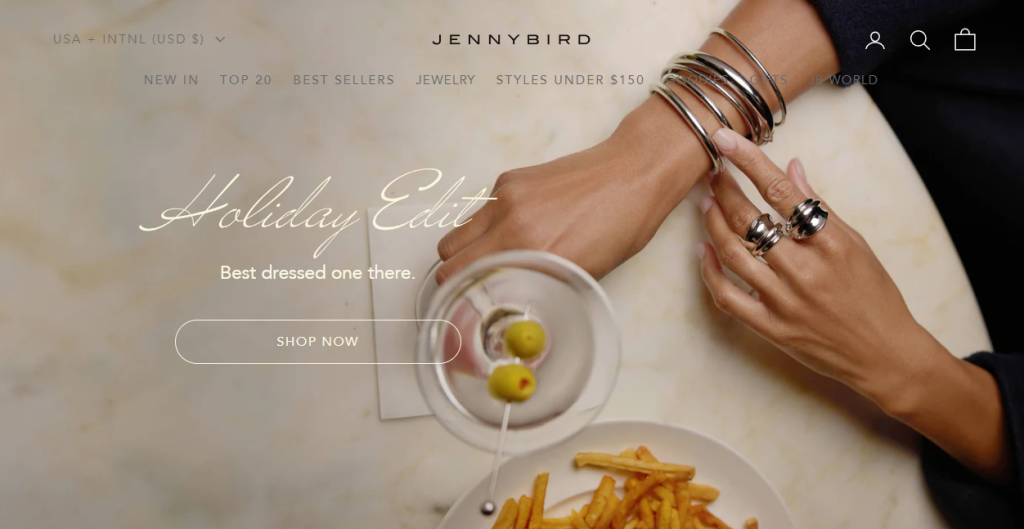
This jewelry brand wanted higher order values without annoying customers. Their first upsell app required manual product selection and lacked personalization.
They switched to Nosto’s AI-driven solution, which automatically showed items customers had browsed but didn’t buy. Offers included a 15% discount and a one-minute decision window.
The team also added smart exclusions-for example, not showing physical product upsells to people who only bought digital gift cards.
Results: 13% more orders accepted upsells compared to before. Customers who accepted spent 58% more-an average of $130 extra per upsell order. Overall net sales increased by 8.5%.
Customer feedback was positive because the recommendations felt curated rather than random.
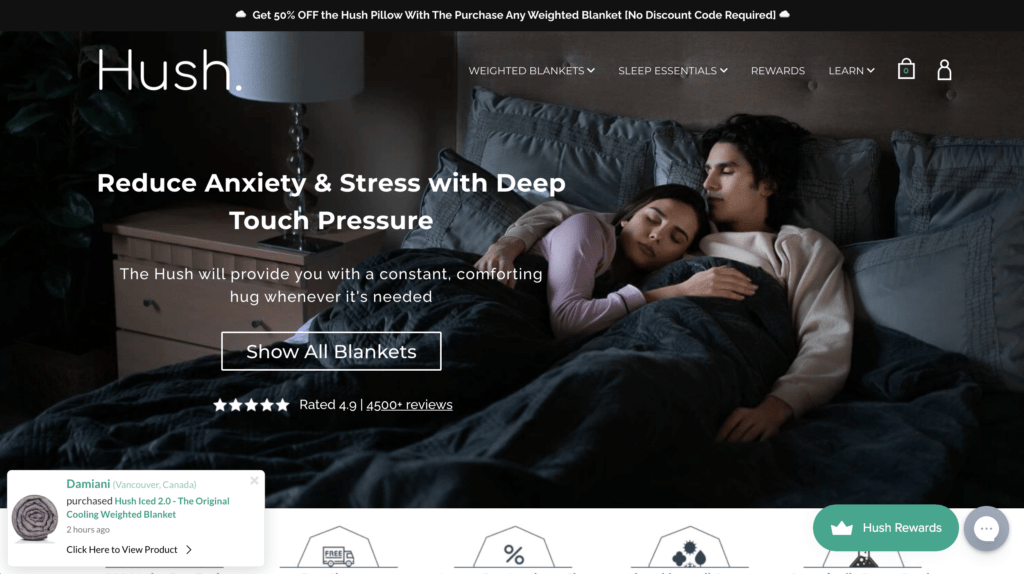
Weighted blanket brand Hush implemented post-purchase upsells for accessories like blanket covers and pillows.
Their upsell take rate hit 10%-meaning 1 in 10 customers added something extra. Given their high-ticket products, this translated to significant revenue gains.
The result: 2x increase in revenue from their post-purchase flows. For every $100 in original sales, upsells added another $100.
You’ve set up your Shopify post-purchase upsell. Customers are adding extra items. Revenue is climbing. But here’s the hard truth: that money isn’t yours until it hits your bank account.
PayPal freezes funds because tracking is missing. Customers flood your inbox asking, “Where’s my order?” Returns eat into profits you worked hard to earn. These problems don’t just cost money-they kill the customer trust your upsells built.
Synctrack fixes this. Four apps. One ecosystem. Every step after checkout is handled automatically.
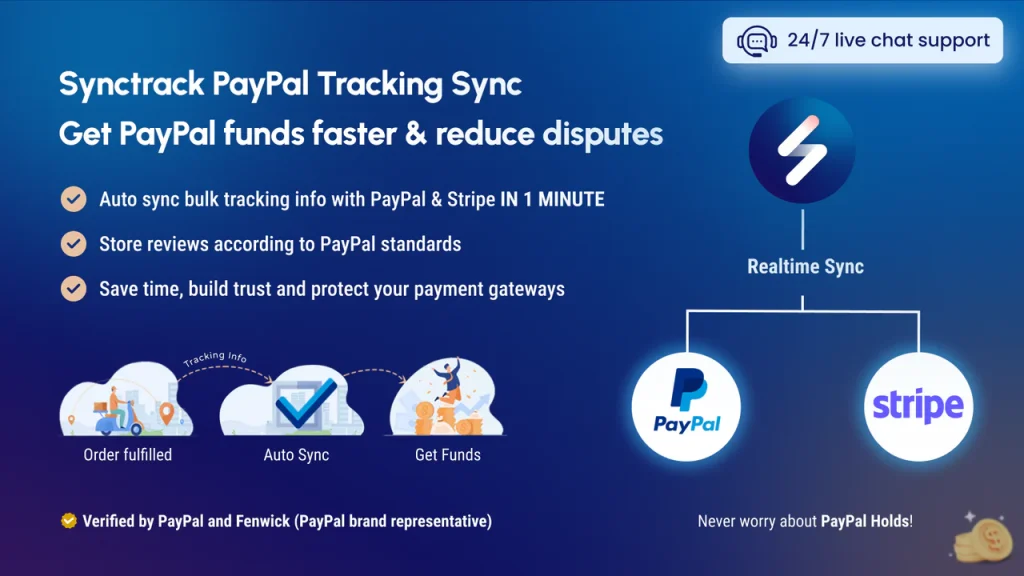
That extra $50 from your upsell? It’s stuck in PayPal for 21 days-unless they can verify shipment. Disputes pile up. Account limits hit. Suddenly, your “extra revenue” is frozen.
Synctrack PayPal Tracking Sync ends this cycle:
Result: Your upsell revenue actually reaches your bank account.
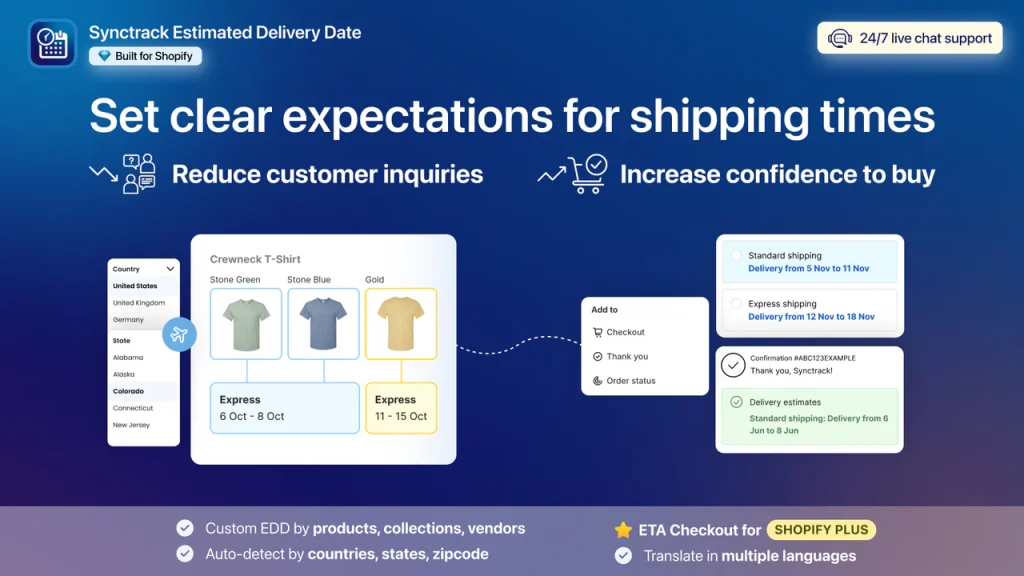
A customer just added two extra items to their order. Now they’re wondering: “When does all this stuff arrive?” If they can’t find the answer, they email you. Or worse, they cancel.
Estimated Delivery Date ETA answers the question before it’s asked:
Result: Confident buyers who convert on upsells and come back for more.
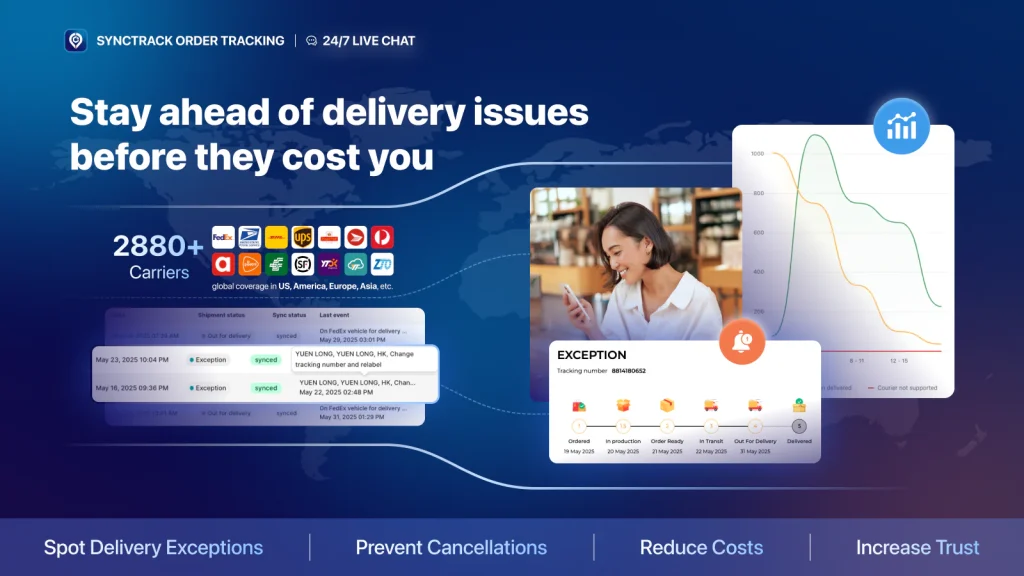
Your upsell shipped. Now the customer checks the tracking five times a day. If updates are confusing or your store looks disconnected, trust fades. They won’t buy from you again.
Synctrack Order Tracking turns anxiety into brand loyalty:
Result: Happy customers who remember your brand, not their frustration.
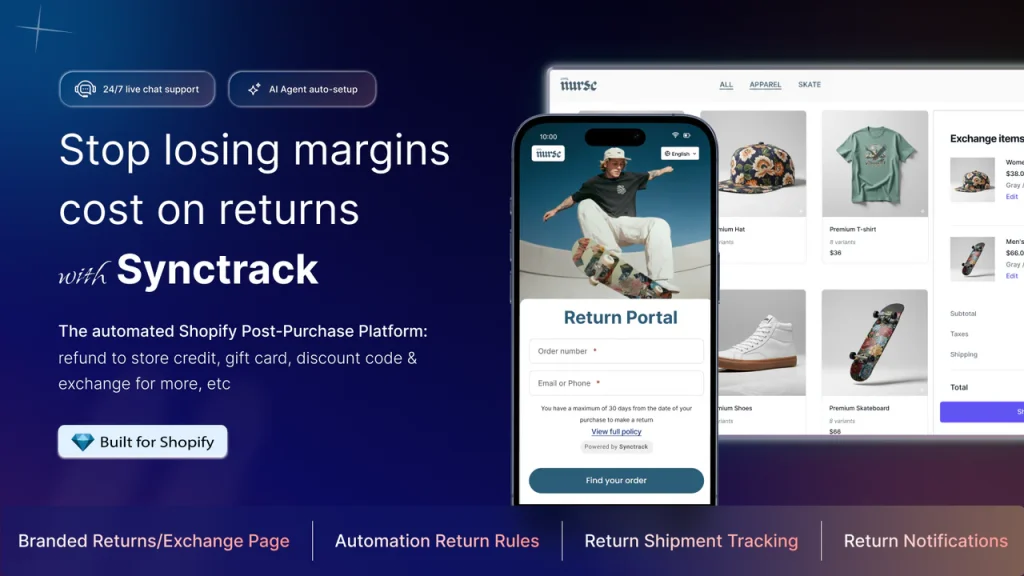
Sometimes that upsell item doesn’t work out. The customer wants a refund. Without a smooth process, you lose the sale AND the customer. With the right system, you keep both.
Synctrack Returns & Exchanges protects your revenue:
Result: Returns become retention opportunities, not lost revenue.
Post-purchase upsells only work if the money actually reaches you. Synctrack protects every dollar – from faster PayPal releases to fewer disputes to returns that keep revenue in your store. Stop leaving profit on the table after checkout. Check it out!
Start Turning Single Sales Into Bigger Orders
Here’s the simplest way to boost revenue without spending more on ads: Shopify post-purchase upsells. Your customer just bought something-they trust you, their card is saved, and saying yes to one more item takes a single click. Yet fewer than 20% of merchants use this strategy. Don’t be in that group. Start with one complementary product, a modest discount, and see what happens. Every dollar from upsells is high-margin profit you didn’t have to pay twice to earn.