Getting paid sounds simple. But when you start looking at Shopify payment apps, the options pile up fast- PayPal, Stripe, Klarna, Afterpay, Adyen, and more. Each one has different fees, different country support, and different checkout experiences.
The wrong choice can cost you money on every sale. The right one keeps fees low, checkout smooth, and customers happy. This guide breaks down everything you need to know: what a Shopify payment app actually is, how fees work, which providers are worth your time, and how to pick the right one for your store.
What Is a Shopify Payment App?
On Shopify, the phrase “payment app” means three different things depending on the context:
- Shopify Payments- Shopify’s built-in payment processor, configured directly inside your admin.
- Third-party payment gateways- External providers like Stripe, PayPal, or Worldpay that you activate in Settings > Payments.
- App Store payment plugins- Apps that add or change how payment options look and behave, such as BNPL (Buy Now Pay Later) options like Klarna or Afterpay.
All three show up under the same umbrella of “payment apps”- which is why searching for one can feel confusing. The key difference is how they connect to Shopify’s checkout and what fees they trigger.
How Shopify Payment Fees Actually Work
Before picking a provider, you need to understand Shopify’s fee structure. There are two layers of fees involved whenever someone pays at your store.
Layer 1: Your Payment Provider’s Processing Fee
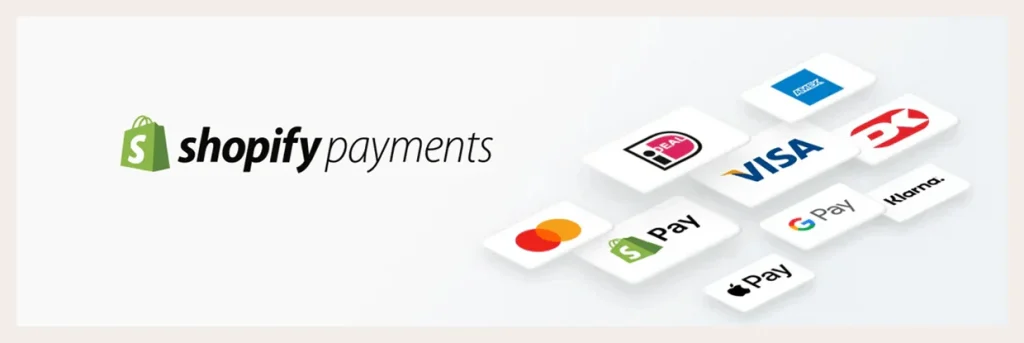
This is the fee your payment provider charges for processing the transaction. Every provider has one– Shopify Payments, Stripe, PayPal, all of them. It’s usually a percentage plus a small fixed amount per transaction (for example, 2.9% + 30¢).
Layer 2: Shopify’s Third-Party Transaction Fee
This is the one merchants often miss. If you use any payment provider other than Shopify Payments, Shopify charges you an extra fee on top of your provider’s rate.
The exact amount depends on your plan:
- Basic plan: 2% per transaction
- Grow plan: 1% per transaction
- Advanced plan: 0.6% per transaction
That fee adds up fast. On a $100 sale using a third-party gateway on the Basic plan, you pay $2 to Shopify plus whatever your provider charges. Use Shopify Payments instead, and that $2 disappears.
The takeaway: If Shopify Payments is available in your country, it’s usually the most cost-efficient starting point – not just because the rates are competitive, but because you avoid Shopify’s third-party transaction fee entirely.
Currency Conversion Fees for International Selling
If you sell in multiple currencies, there’s a third fee to know about. When you use Shopify’s international selling tools and charge customers in their local currency, Shopify Payments adds a currency conversion fee on top of the standard processing rate:
- 1.5% in the United States
- 2% in France
- 2% in all other Shopify Payments regions
This is separate from the transaction fee and applies whenever the currency your customer pays in is different from your store’s payout currency.
Why It Matters for Your Checkout (Direct vs. Redirect)
When you add a third-party payment provider, Shopify classifies it as either direct or external (redirect).
- Direct providers keep customers in your store throughout the whole checkout. The payment is processed in the background. This is a smoother experience and generally converts better.
- External (redirect) providers send the customer to the provider’s own payment page to complete the purchase, then bring them back to your store. This adds a step, which can increase drop-off.
When comparing Shopify payment plugins, always check whether the provider uses a direct or redirect flow. For most stores, direct is the better option.
Shopify Payment App vs. Payment Gateway – What’s the Difference?
Before diving into the app list, it helps to understand one thing that confuses a lot of merchants: a payment app and a payment gateway are not the same thing.
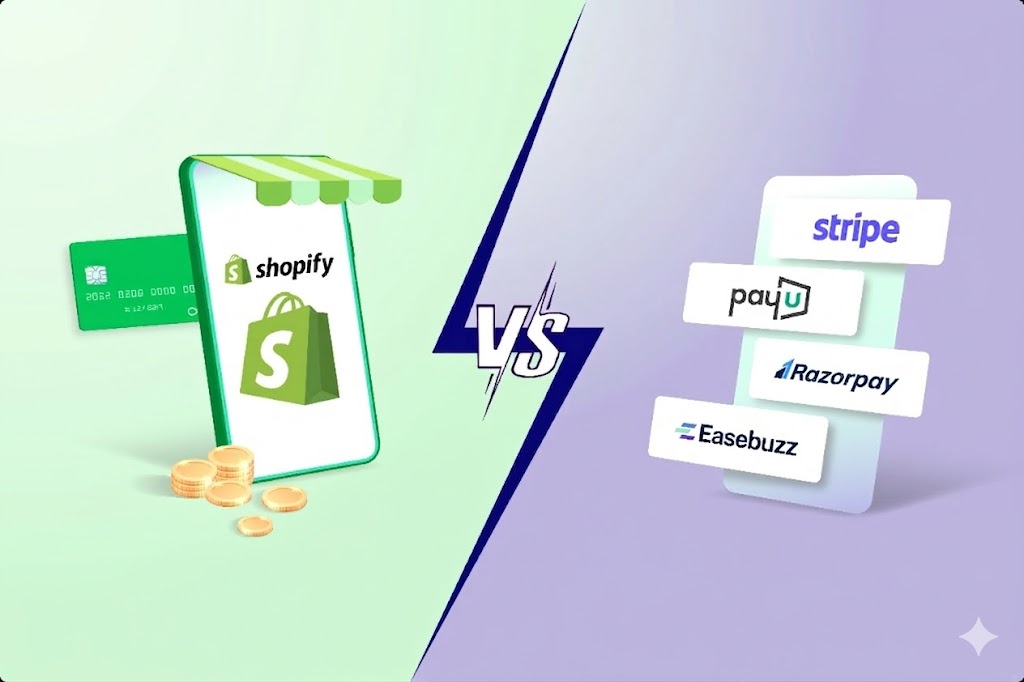
A payment gateway is what actually processes the transaction — it moves money from your customer’s account to yours. You set it up in Settings > Payments inside your Shopify admin. Common examples are Shopify Payments, PayPal, and Stripe. Every store needs at least one.
A payment app is an app from the Shopify App Store that improves or extends how payments work around that gateway. It doesn’t replace your gateway — it solves problems your gateway can’t handle on its own. Things like syncing tracking numbers to PayPal, verifying COD orders before they’re confirmed, offering split payments, or managing subscription billing.
The simplest way to tell them apart:
|
Payment Gateway |
Payment App |
| What it does |
Processes the transaction |
Improves the payment experience |
| Where you find it |
Settings > Payments |
Shopify App Store |
| Examples |
Shopify Payments, PayPal, Stripe |
Synctrack, Releasit COD, Appstle |
| Required? |
Yes — every store needs one |
No — but most stores benefit from at least one |
Most stores need both. The gateway moves the money. The payment app handles everything around it.
Best Payment Apps for Shopify
The Shopify App Store organizes payment apps into three categories: Pay Later for COD and installment options, Payment Experience for syncing, customizing, and protecting your payment setup, and Subscriptions for recurring billing. Below is one standout app from each category worth knowing about.
Releasit COD Form & Upsells – Best Overall COD App
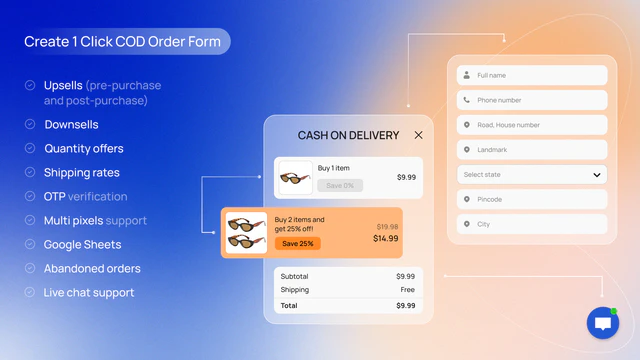
Releasit is the most popular COD (cash-on-delivery) app on Shopify with over 2,200 reviews and a 4.9-star rating. It replaces the standard checkout with a one-page COD form, which reduces friction and increases conversions for cash-on-delivery orders.
What it does: Creates a custom COD order form, adds upsell and cross-sell offers, verifies orders with OTP, and lets you add COD fees to cover handling costs.
Best for: Dropshipping stores and merchants in COD-heavy markets who want to reduce fake orders and increase order value at the same time.
Pricing: Free to install. Paid plans available for more features.
Synctrack PayPal Tracking Sync – Best for PayPal & Stripe Users
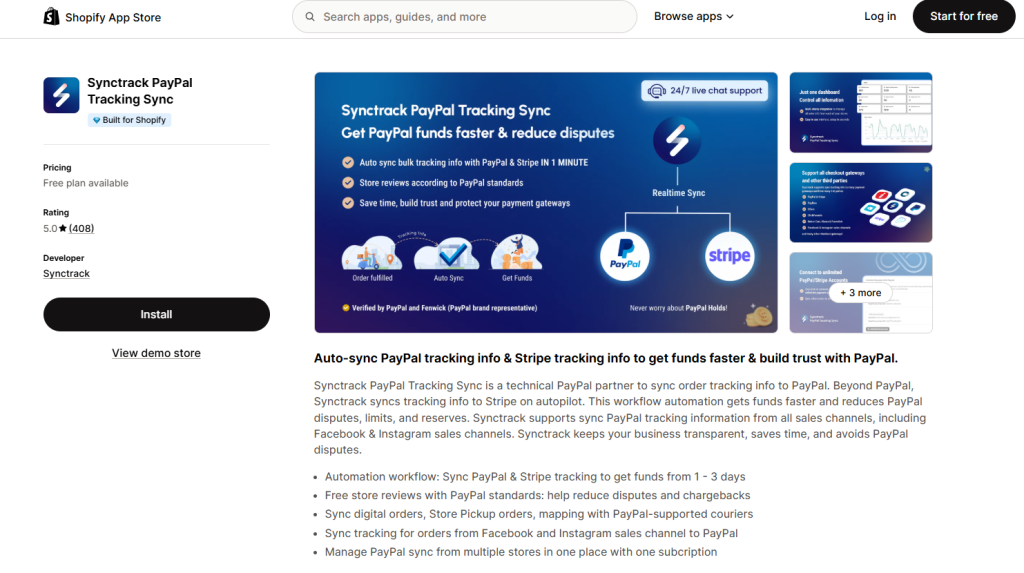
Synctrack is the top-rated PayPal tracking sync app on Shopify (5-star rating), and installed on more than 15,000 Shopify stores. It has the “Built for Shopify” badge – Shopify’s highest standard for app performance and integration.
The problem it solves: If you use PayPal or Stripe, your funds can get held for days or weeks while PayPal waits to verify that orders were actually shipped and delivered. Without tracking info synced to PayPal and Stripe, disputes and holds pile up – and you spend hours manually updating order details.
What Synctrack does:
- Automatically syncs tracking numbers from Shopify to PayPal and Stripe as soon as an order is fulfilled
- Syncs orders from the past 365 days in one click – useful when switching from manual tracking
- Handles digital orders, store pickup orders, and orders from Facebook and Instagram sales channels
- Maps carriers to PayPal-supported courier names automatically
- Lets you manage multiple Shopify stores from one Synctrack account
- Provides a real-time dashboard showing sync status for every order
The result: PayPal releases funds faster – often within 1 to 3 days instead of weeks. Disputes drop because PayPal can verify delivery. And you stop spending time manually entering tracking numbers.
Pricing: Free plan available for 30 synced orders/month. Paid plans scale with order volume. No hidden fees.
Best for: Any Shopify merchant using PayPal or Stripe as a payment method. If you’re processing PayPal orders without a tracking sync app, you’re leaving money on hold unnecessarily.
Appstle Subscriptions App – Best Overall
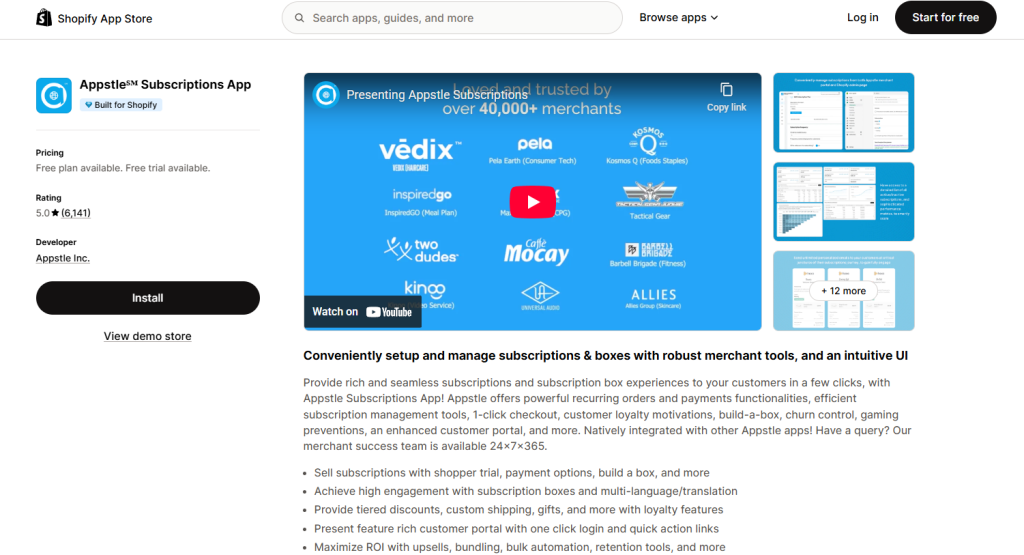
Appstle is the most-reviewed subscription app on Shopify with nearly 5,000 reviews and a 4.9-star rating. It has the “Built for Shopify” badge and covers everything from simple recurring orders to complex subscription management.
What it does: Create subscription plans, offer subscriber discounts, manage billing cycles, handle cancellations and pauses, and build subscription bundles.
Best for: Stores of all sizes that want a reliable, feature-rich subscription solution. Works for physical products, digital products, and services.
Pricing: Free plan available. Paid plans scale with revenue.
Shopify Payment App FAQs
Do I have to use Shopify Payments?
No. But if you use any other provider as your primary gateway, Shopify charges a third-party transaction fee on every sale. That fee is 2% on the Basic plan, 1% on Grow, and 0.6% on Advanced. For most stores in supported countries, Shopify Payments is the more cost-efficient choice.
Can I use PayPal and Shopify Payments at the same time?
Yes. You can keep Shopify Payments as your primary gateway and add PayPal as an additional method. The third-party transaction fee only applies if you’re using a non-Shopify Payments gateway as your primary processor.
What’s the best payment app for Shopify if I sell internationally?
If you want to charge customers in their local currency, you need Shopify Payments or PayPal as your primary gateway. Every other provider can show localized prices, but the actual checkout will convert back to your store’s default currency. Shopify Payments with international selling tools is the most accessible option for most merchants.
Yes- if Stripe is set as a third-party payment provider in your Shopify admin, Shopify’s third-party transaction fee applies on top of Stripe’s own processing fee. The only way to avoid Shopify’s extra fee is to use Shopify Payments as your primary gateway.
Can I switch payment providers later?
Yes. You can add, remove, or switch payment providers in Settings > Payments at any time. Keep in mind that switching your primary gateway may affect how multi-currency checkout works, so test your checkout after making any changes.
Final Thoughts
Choosing the right Shopify payment app isn’t just about picking a familiar name. It’s about understanding how Shopify’s fee structure works, what your customers expect at checkout, and what your store actually needs.
For most merchants, the answer is straightforward: start with Shopify Payments, add PayPal as a secondary option, and layer in BNPL if your product range and audience call for it. From there, you can expand based on where your customers are and what they want to pay with.
The table in this guide gives you a starting point. But always check the provider’s official Shopify documentation and pricing page before committing- fees and availability change, and what works in one country may not work in another.