Let’s be honest: nobody gets into e-commerce because they love opening 15 browser tabs just to answer a single customer support ticket.
When an order is delayed, your workflow usually looks like this: copy the order number from your helpdesk, open your tracking app, check the carrier portal, calculate the delay, and then manually draft an apology email. It’s tedious, it’s slow, and it eats up hours of your team’s day.
We knew there had to be a better way. What if you could manage your entire shipping operations, investigate delays, and write customer responses simply by chatting with AI?
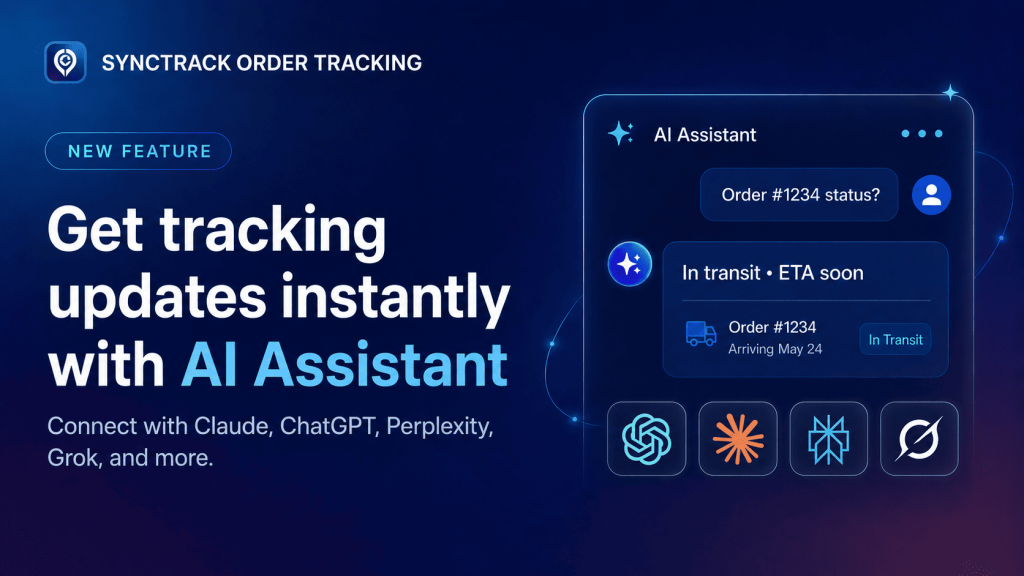
Today, we are thrilled to announce that Synctrack’s AI Assistant is officially live!
Contents
The AI Assistant is a powerful new section inside your Synctrack settings. Powered by MCP (Model Context Protocol) – the new open standard for AI connectivity – Synctrack now securely plugs directly into the AI tools your team already uses every day.
Instead of jumping back and forth between tools, your team can pull real-time shipment data directly into platforms like Claude, ChatGPT, Perplexity, Grok, Cursor, and more.
💡 The Best Part? It is completely FREE and available on all Synctrack plans (from Free and Launch to Scale and Pro). It does not count against your Synctrack quota.
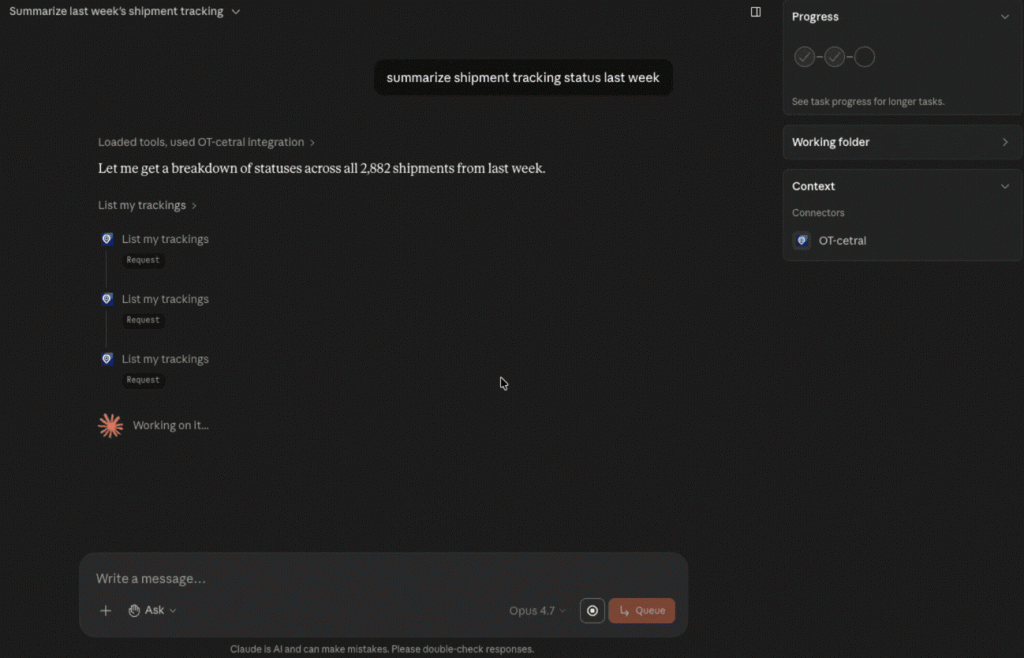
Once connected, your team can interact with your fulfillment data using plain, everyday English. You don’t need to build complex filters or look at messy spreadsheets. Just ask:
Look up shipments: “Where is order #1284?” (AI finds the carrier, status, and transit time instantly).
Spot bottlenecks: “Which shipments are delayed today?” or “Summarize this week’s exceptions.”
Audit carriers: “Which carrier has the lowest on-time rate this week?”
Whether you are an operations manager reviewing weekly carrier performance or a support agent trying to close tickets faster, the AI Assistant helps your team spend less time searching and more time taking action.
Getting started is simple 👉 Check out our guidelines in details.
Because we built this on the universal MCP standard, Synctrack plays nicely with almost any leading AI workspace.
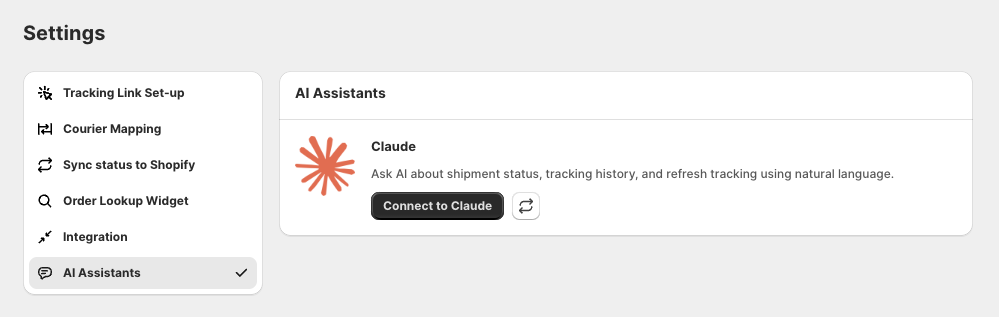
Our deepest integration is with Claude.ai and Claude Desktop. If you have a paid Claude account (Pro, Team, or Enterprise), you can connect your store in seconds:
In Synctrack, go to Settings -> AI Assistants.
Click Connect to Claude (this opens a pre-filled tab on Claude.ai).
Review the details, click Add, and authorize with your Shopify domain.
Running your team on a different AI assistant? No problem. You can easily connect them by copying your unique Synctrack MCP URL from your dashboard and pasting it into your provider’s connector settings.
ChatGPT: Toggle on Developer Mode in Apps & Connectors to add Synctrack as a custom app.
Perplexity: Add it via Account Settings -> Custom Connector (Remote/OAuth).
Grok (xAI): Use the Bring Your Own MCP tool in your Grok settings.
We know how important your store data is. Here is how we ensure your data stays safe:
No AI Model Training: Your tracking data flows on-demand only when your team explicitly asks a question. Providers like Anthropic do not use these data flows to train their models.
Team-Only Access: This tool is strictly internal for your staff running the store – not for your customers.
Smart Inactivity Gates: To keep your connection secure, access tokens automatically refresh with use. If your team doesn’t use the connector for 90 days, access is automatically revoked for safety. Reconnecting takes just another 30 seconds.
Ready to upgrade your workflow?
Stop digging through admin dashboards. Give your support and ops teams superpowers by bringing Synctrack data straight into your AI workspace.
👉 Head over to Synctrack Settings -> AI Assistants to launch your first assistant today.
Need help setting it up? Our support team is always around. Pop into our live chat or hit reply on your admin dashboard!