As e-commerce merchants, we all know that the customer journey doesn’t end at checkout. In fact, the period between “Order Confirmed” and “Delivered” is where customer trust is either won or lost.
Managing post-purchase logistics manually or dealing with rigid, disconnected tracking notifications can easily bottleneck an operations team. That is why we are incredibly excited to announce a major upgrade to your post-purchase toolkit: Synctrack Order Tracking is now seamlessly integrated with Shopify Flow!
If you are running a high-volume store, a scaling brand, or just trying to keep your operations lean, this integration is about to change how you handle shipping data.
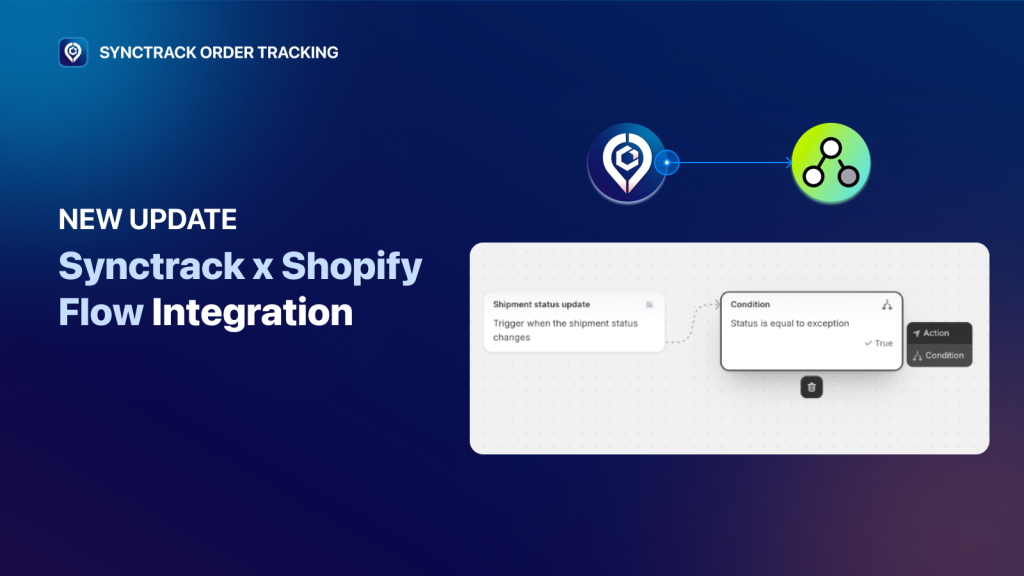
Until now, shipping updates usually lived inside an isolated silo. Synctrack Order Tracking would pull data from carriers, and customers would look at a tracking page.
By opening up Synctrack’s real-time carrier data to Shopify Flow – Shopify’s native automation engine – we are turning passive tracking numbers into active operational triggers. Every single time a carrier scans a package, you can now trigger an automated workflow across your store and your entire tech stack (Klaviyo, Gorgias, Slack, and more).
By using our new app trigger, Tracking status updated, you can build tailored workflows that perfectly match your brand’s operations. The trigger fires automatically and passes along key data points: Order ID, Carrier, Tracking Number, Shipping Status, and Event Timestamp.
Once connected, you can build workflows that run automatically whenever a shipment status changes. Popular use cases include:
🤖 Send email notifications when a package is in transit or out for delivery
🤖 Request reviews automatically after the order is delivered
🤖 Tag orders by shipping status for smarter filtering and segmentation
🤖 Alert your support team when an order is delayed or has an exception
🤖 Trigger actions in other apps like Klaviyo, Gorgias, Slack, and more
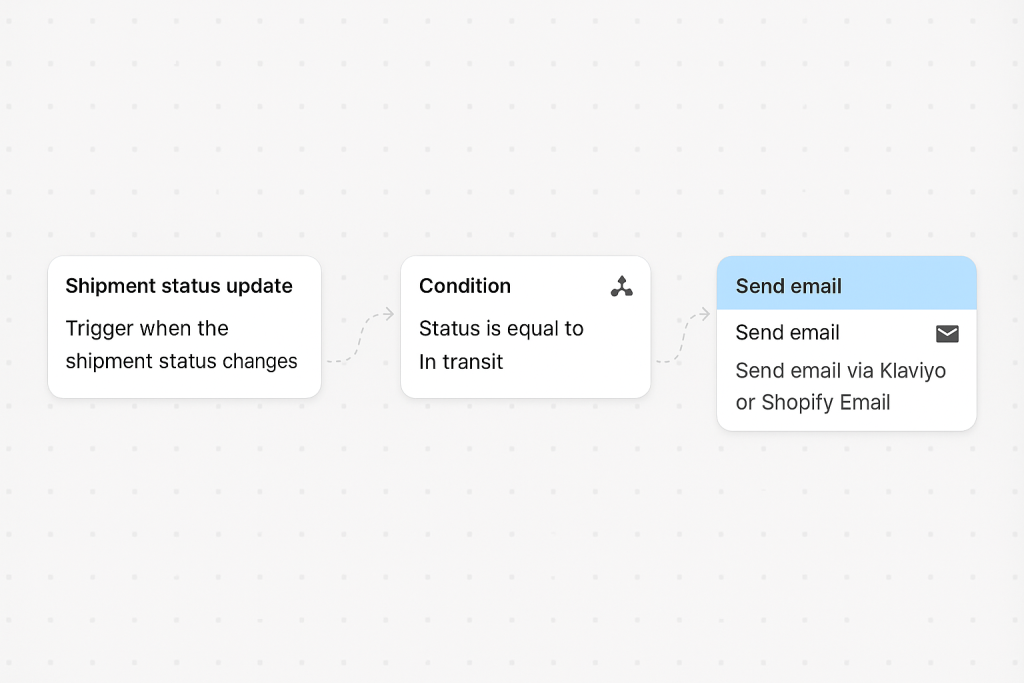
When building your workflows, you can use these specific variables to fine-tune your conditions:
Getting started takes less than two minutes. Because this uses Shopify Flow’s native infrastructure, you only have to authorize the connection once.
We’ve prepared a full guide with setup steps, real examples, and best-practice workflows here.
Strategic Insights: To get the absolute most out of this integration, don’t just look at shipping data in isolation. Combine Synctrack triggers with your existing store logic.
For example, route workflows based on carrier performance using the carrierName variable. If a specific regional carrier is experiencing delays, auto-tag those orders for internal review so your team can proactively reach out to customers.
The Synctrack × Shopify Flow integration is officially live and available to all users.
If you want help setting up your very first automation workflow or want our team to pre-build templates directly inside your store, we are here for you! Just open up a live chat inside the Synctrack app or send us an email.
Let’s turn your shipping updates into your store’s competitive advantage!