If you’ve been generating return labels by hand for customers in Mexico, Brazil, Colombia, or any of the 12 countries Envia.com supports – that manual workflow ends today.
We are thrilled to announce that Synctrack Returns now integrates directly with Envia.com.
From now on, return label creation happens entirely inside your returns portal, automatically, the moment a request is approved. No separate logistics logins. No copy-pasting tracking numbers. No manual step between “return approved” and “label sent to customer.”
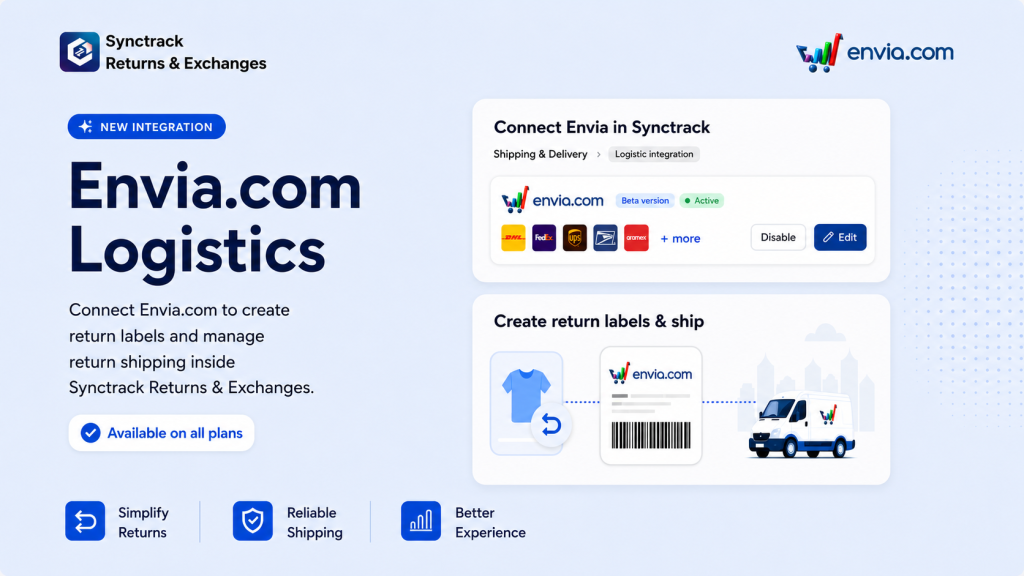
Managing international or regional returns can quickly become an operational headache. This integration specifically closes the gap for two types of merchants:
The Envia.com Power Users: If you already rely on Envia.com for outbound fulfillment but have been handling the return side manually, this closes the loop. Same carrier network, same platform, both directions fully covered.
Plan Availability: This integration is available for all Starter plans and above, making automated international returns accessible whether you’re a growing brand or an established enterprise.
Setting up the integration takes less than five minutes. Here is the step-by-step workflow to get it running:
Sign in (or sign up) at Envia.com.
Navigate to the Developers tab, click on Add New Token, and copy the generated token securely.
Open your Synctrack Returns app dashboard.
From the left menu, go to Settings > Shipping & Delivery > Logistic Integration.
Select Envia from the list of available shipping providers. Paste the token you copied from Envia into the credential field to establish the secure connection.
Once connected, your setup is complete! You can immediately begin generating shipping labels automatically within Synctrack, cutting down your support ticket volume and giving your international customers the seamless return experience they expect.
If cross-border return shipping has been the operational bottleneck you’ve been putting off solving, this removes the friction point entirely. Head over to your Synctrack dashboard and flip the switch today.