A sale isn’t done when the customer pays. It’s done when the box lands on their doorstep, undamaged, on time. Between those two points sits a long list of things that can go wrong: lost packages, slow carriers, and a flood of “Where is my order?” emails that eat up your day. That’s the gap that Synctrack Order Tracking vs TrackingMore are both built to close. Store owners bring up these two names constantly when hunting for a Shopify tracking app, and while both apps do the same basic job, they go about it in almost opposite ways. One was built for Shopify and nothing else. The other grew out of a much bigger tracking system that serves brands like Shein and DJI, with Shopify as just one stop along the way. Below is a plain look at how the two compare, so you can figure out which one actually fits your store.
Before comparing the two, there’s one fact that matters more than any feature list. TrackingMore has confirmed – via an in-app notice to current users – that its Shopify app will be retired after December 31, 2026, and will no longer be available in the Shopify App Store after that date. There’s no immediate change; existing merchants can keep using the TrackingMore Shopify app until then.
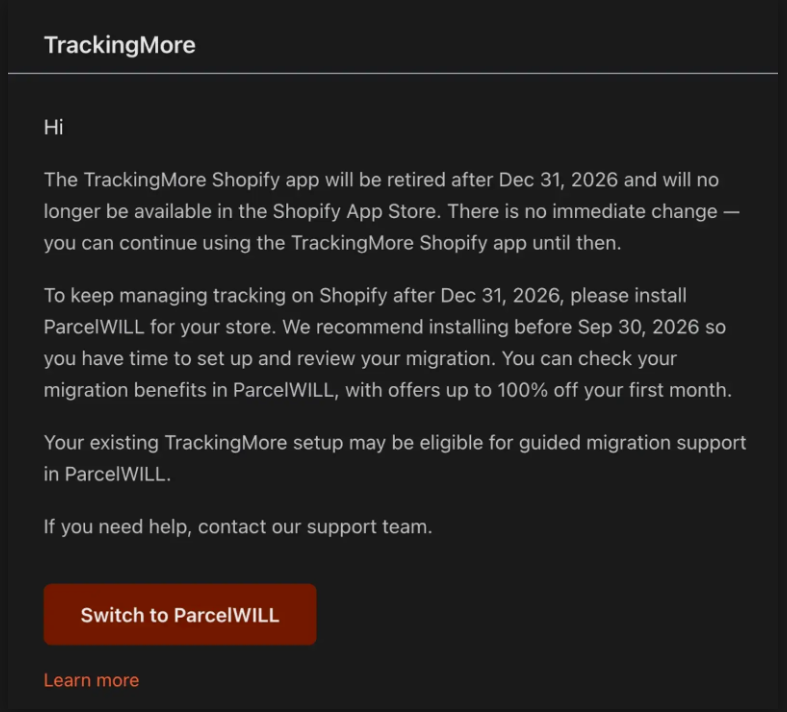
That timeline is worth keeping in mind as you read the rest of this comparison, since it changes the “which one should I pick?” question for anyone already on TrackingMore.
TrackingMore didn’t start as a Shopify app. It started as a tracking data company that sells its API to large businesses. The Shopify app is a smaller piece bolted onto that system. Because of this, some setup work happens outside your Shopify admin. Custom webhooks or non-standard page layouts usually need a developer.
Synctrack was built the other way around. It sits inside the Shopify admin from the start, so you manage everything without switching tabs. It also has two related apps: Synctrack PayPal Tracking Sync and Synctrack Returns & Exchanges. All three share the same backend, which is why they can be bundled and why they pass data between each other without delay.
| Feature | Synctrack Order Tracking | TrackingMore |
| Where it lives | Inside Shopify admin | Separate dashboard |
| Data updates | Real-time | Scheduled batches |
| No-code setup | Yes | Mostly – custom work needs code |
| Headless support | Shopify Storefront API | Native SDKs |
| Related apps | PayPal sync, Returns & Exchanges | None |
Security is worth a mention too. TrackingMore holds ISO-27001 certification with strong encryption. Synctrack offers PCI and SOC2 compliance. Neither one is weak here; both clear the bar larger merchants tend to ask about.
If you’re building on Shopify only, Synctrack Order Tracking asks less of you technically. If you’re running a custom or multi-platform setup, TrackingMore’s open API and its SDKs – available in seven languages, from PHP to Ruby – give developers more room to work with.
A tracking update written in Chinese won’t mean much to a shopper in Brazil.
TrackingMore translates page elements – buttons, headers, that sort of thing – into roughly 7 to 11 languages. Carrier messages can be translated too, but that costs extra credits, and there’s no way to fix a clunky translation by hand.
Synctrack’s answer here is a multilingual tracking page, launched in June 2026. It translates the raw carrier message itself, not just the page around it, and store owners can edit any translation that reads oddly. It supports RTL languages, and to pick the right visitor language, it checks the store’s locale settings, Shopify Markets, IP location, URL parameters, and browser language.
TrackingMore sends the standard email and SMS alerts based on carrier updates, and its higher plans link up with Slack, Klaviyo, and Gorgias, so both marketing and support teams stay in the loop.
Synctrack covers the same basics and ties into Shopify Flow. Set up a rule once, and if a package stalls, Synctrack can trigger a support ticket and send the customer a discount code, all without anyone lifting a finger.
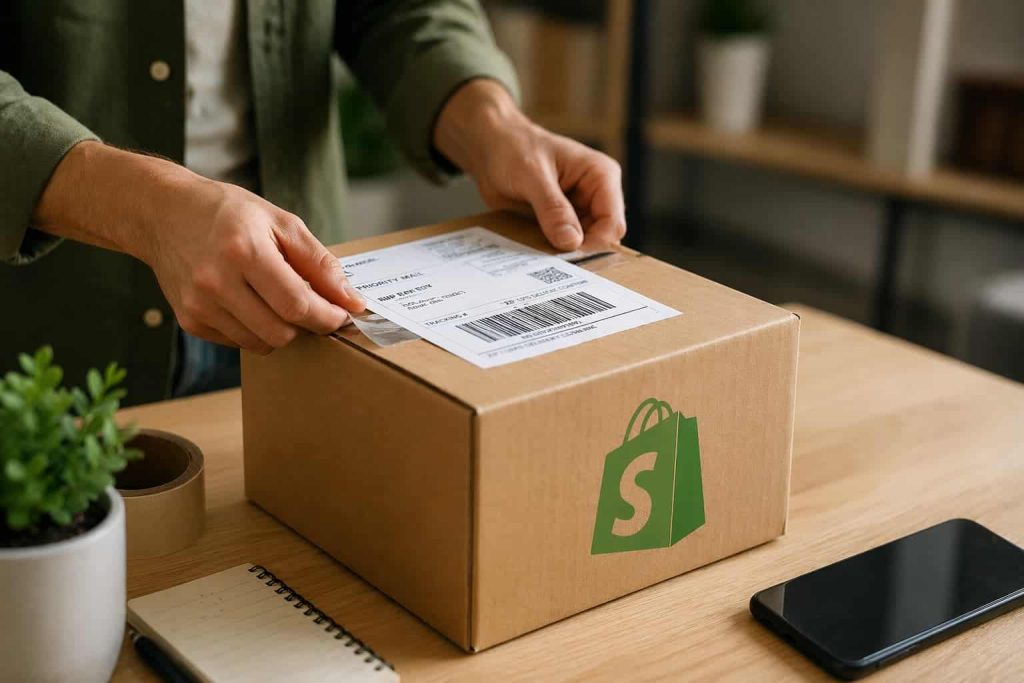
Dropshippers often don’t want buyers to know an order is coming from overseas – a shipping label that says “China” can spook a customer and trigger refund requests.
TrackingMore has a one-click dropshipping mode that swaps out references to carriers like YunExpress or 4PX for generic wording. It also allows basic word-blocking.
Synctrack Order Tracking uses pattern-matching rules instead of simple word swaps, so a merchant can:
TrackingMore’s dashboard shows average transit times, delivery rates, and how often shipments hit problems. It’s a solid rear-view mirror, but it won’t flag issues for you, and the deeper reports sit behind a $55–$74 monthly plan.
Synctrack splits reporting into two tiers. Every merchant gets a Shipments Overview with delivery status and volume trends. Paying customers on Scale or Pro plans unlock Fulfillment Performance data, broken into four stages:
You can also filter this data down to a city or zip code, which makes it easier to spot one bad local hub instead of just seeing a vague, store-wide average.
TrackingMore’s status model sorts tracking updates into 8 main categories with 28 sub-types – useful for organizing data, though this is part of its general status taxonomy rather than a distinct AI feature. Staff still filter and export manually.
Synctrack Order Tracking’s AI Assistant scans your shipping data and flags trouble, like a carrier missing delivery windows or a spike in stuck packages, surfaced as insights in-app.
A late shipment doesn’t just annoy a customer – it can freeze your money too, since payment processors sometimes hold funds until a shipment is confirmed.
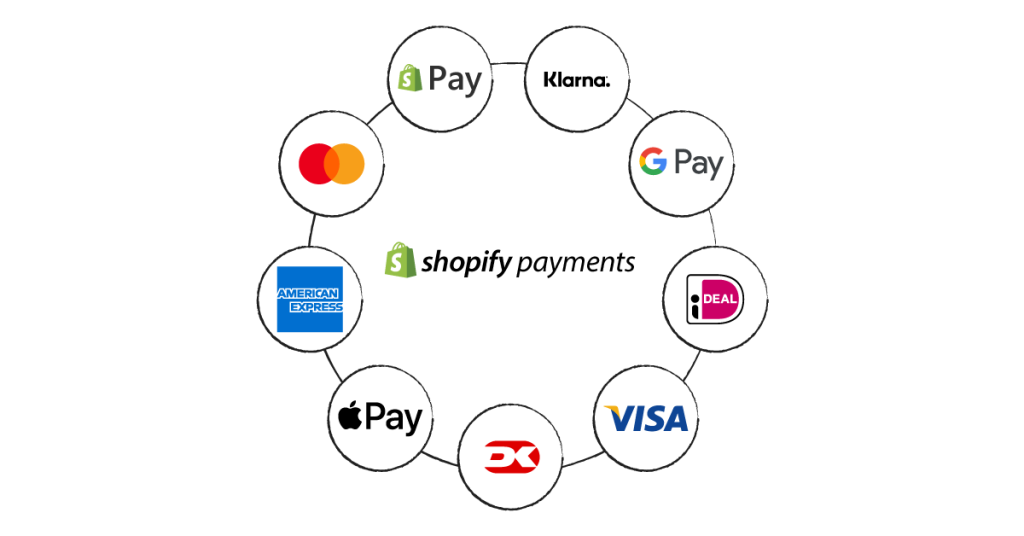
Synctrack PayPal Tracking Sync fixes this by sending tracking numbers to PayPal and Stripe as soon as a carrier confirms a shipment, which speeds up how fast held funds get released. It matches carrier names automatically and supports multiple PayPal accounts on one store. TrackingMore includes PayPal sync, but it’s gated behind the $55/mo Pro plan and syncs to PayPal only.
Returns work the same way. Synctrack Returns & Exchanges gives shoppers a self-serve portal to cancel unfulfilled orders, request an exchange, or take store credit. It handles variant swaps, blocks partial returns on bundle deals, and includes a form for EU return compliance.
Most integrations overlap: both connect with Klaviyo, PayPal, Shopify Flow, Gorgias, Shopify’s native customer accounts, and review apps like Judge.me or Loox. TrackingMore adds a few of its own, including Slack for internal alerts, DSers and CJ Dropshipping for sourcing, and support for headless setups built on Hydrogen or Oxygen. Synctrack Order Tracking’s edge here isn’t a single integration but its sibling apps. Synctrack, on the other hand, extends its Shopify ecosystem with Shopify Flow and Shopify Sidekick integration and companion apps such as Synctrack PayPal Tracking Sync and Synctrack Returns & Exchanges, available together with a 20% to 30% discount.
None of the above matters much if the tracking data is wrong or late.
Reviews point to a real problem with TrackingMore: sync delays. Updates from big US carriers like USPS or DHL Express can take up to 48 hours to show up, even after the carrier’s own site has already updated. That gap is enough to trigger a wave of confused customer messages.
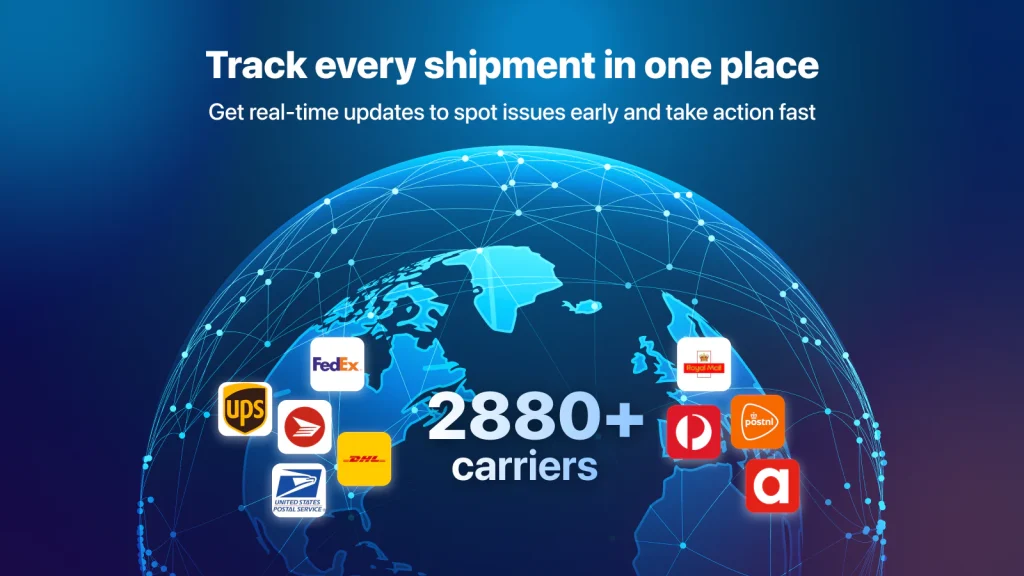
Synctrack covers more than 2,800 carriers, and updates run close to real time – usually appearing on your tracking page shortly after the carrier scans the package.
TrackingMore does have one clear edge, though: air cargo. It tracks over 90 airlines by waybill number, with flight numbers, cargo weight, and arrival windows – genuinely useful if you import goods by air before they ever become a Shopify order.
TrackingMore runs on quotas. Every tracked shipment burns one credit, unused quotas don’t carry over, and going over your limit costs $0.05 per extra shipment. During a big sales month, that adds up fast.
Synctrack sticks to flat plans. Go over your limit and you get a warning, not a surprise charge, and you decide when to upgrade.
| Plan Level | Synctrack | TrackingMore |
| Free | 20 orders/mo, 2,880+ couriers | 50 shipments/mo, 1,199+ couriers |
| Entry | $9/mo, 200 orders, upsell blocks | $9/mo, 200 quotas, $0.05 overage |
| Mid-tier | $49/mo, 2,000 orders, EDD | $55/mo, 2,000 quotas, $0.05 overage |
| High-volume | $99/mo, 5,000 orders, 137 languages | $119/mo, 5,000 quotas, $0.05 overage |
| Enterprise | Custom pricing | $1,189/mo, 70,000 quotas |
Here’s what that looks like in practice. Say a store on a 2,000-shipment plan gets hit with 5,000 orders during a holiday sale.
Flat pricing wins out clearly once volume gets unpredictable, which is exactly when most stores need their software costs to stay steady.
TrackingMore makes sense if:
Synctrack makes sense if:
Both apps get a package from checkout to doorstep, but Synctrack Order Tracking vs TrackingMore really is a question of fit. TrackingMore suits larger, multi-channel operations that need a flexible backend and strong air cargo tracking. Synctrack was built for Shopify stores that want speed, simple setup, and post-purchase tools – PayPal sync, returns, tracking – working together right in Shopify.
If your store runs on Shopify and you’d rather spend less time managing software, Synctrack is the stronger pick. If you’re running a custom build or juggling several sales channels, TrackingMore’s open setup is likely the better match.
Read More: Best Shopify Order Tracking Apps: A Data-Backed Comparison (Pricing, Couriers & Reviews)






