Running an online store means dealing with payments every day. And at some point, you’ll likely run into a PayPal chargeback. It can feel confusing – money disappears from your account, and you’re not sure why or what to do next.
This guide breaks it all down. You’ll learn what is PayPal chargeback, how it’s different from a dispute or refund, how much it costs, how long it takes, and what you can do about it – whether you’re a merchant or a buyer.
Contents
PayPal chargeback is a situation that happens when a buyer contacts their bank or card issuer – not PayPal – to dispute a charge. The buyer asks their bank to reverse the payment, and the bank takes control of the process from there.
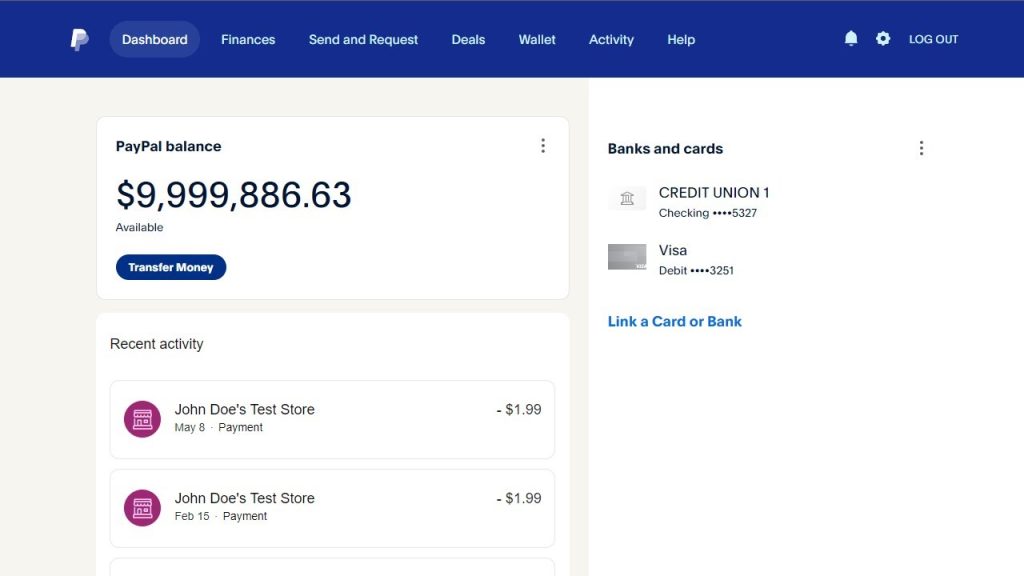
Here’s the key thing to understand: PayPal doesn’t decide the outcome of a chargeback. The card issuer does. PayPal’s role is to notify you, place a hold on the funds, collect your evidence, and pass it along to the card issuer on your behalf.
Here are step by step how PayPal chargebacks work:
This process is different from a PayPal dispute, which is handled entirely inside PayPal’s platform. More on that below.
In reality, the list below is the root cause of every kind of customer dissatisfaction. When these problems first come up, customers usually open a Dispute with you on PayPal to try and sort things out. But if you ignore them, give a weak response, or take too long to reply, that Dispute can quickly escalate into a Chargeback through their bank.
Let’s go through the most common reasons so you can stop them while they’re still just a Dispute, before they turn into something bigger:
The buyer says their order never arrived. This is the most common reason, by far.
The good news? It’s also the easiest to win. If you have a tracking number that shows the package was delivered to the right address, you’ve got solid proof on your side.
The buyer says the product doesn’t match what was in your store. Wrong color, wrong size, looks cheaper than the photos, that kind of thing.
This one’s harder to win because it’s their word against your listing. The fix is simple, though: use real photos, write clear descriptions, and don’t oversell. The fewer surprises buyers get, the fewer chargebacks you’ll see.
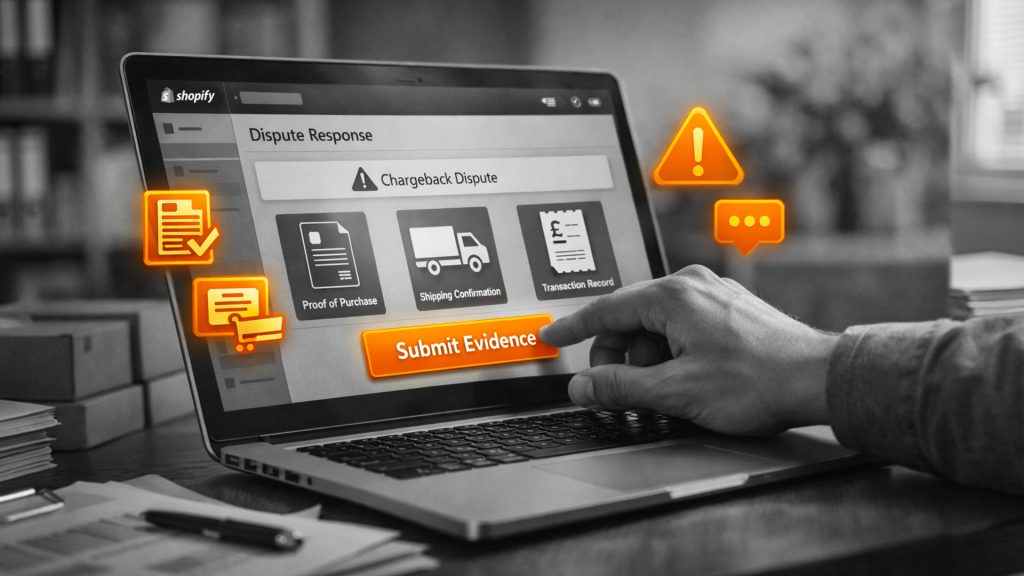
For this credit card fraud reason, buyers usually skip the Dispute step on PayPal and go straight to a Chargeback with their bank the moment they spot the charge on their statement or notice a balance change.
Card issuers take these very seriously, so they’re tough to fight unless you have strong proof, like a delivery to the cardholder’s confirmed address.
The buyer thinks they were billed for the same order twice. Sometimes it’s a real glitch. Sometimes the buyer just doesn’t recognize a second order on their bank statement.
A quick reply with the order details usually clears this up before it becomes a real problem.
This one’s all about recurring payments. The buyer either forgot they signed up, didn’t notice the auto-renewal, or canceled and got charged anyway.
Send a reminder email before each renewal. Make canceling easy. That alone prevents most of these.
The buyer is waiting for a refund and gives up. They go to their bank instead.
Always send refunds through PayPal, not Venmo, not a bank transfer, not anywhere else. That way, there’s a clear record tied to the original payment.
Not every chargeback is honest. Some buyers file chargebacks even when they got their order, it was delivered fine, and nothing went wrong. They just want their money back and keep the product.
This is called chargeback fraud. People also call it “friendly fraud,” which is a funny name because there’s nothing friendly about it.
A buyer places an order. The package arrives. A week later, they call their bank and say something like:
The bank usually sides with the buyer, especially on smaller orders. The buyer keeps the product. You lose the money and pay the chargeback fee.
Chargeback fraud is growing fast. Here’s why:
It’s worse in things like clothing, digital products, and pricey items. Anything a buyer might want to “keep and complain about.”
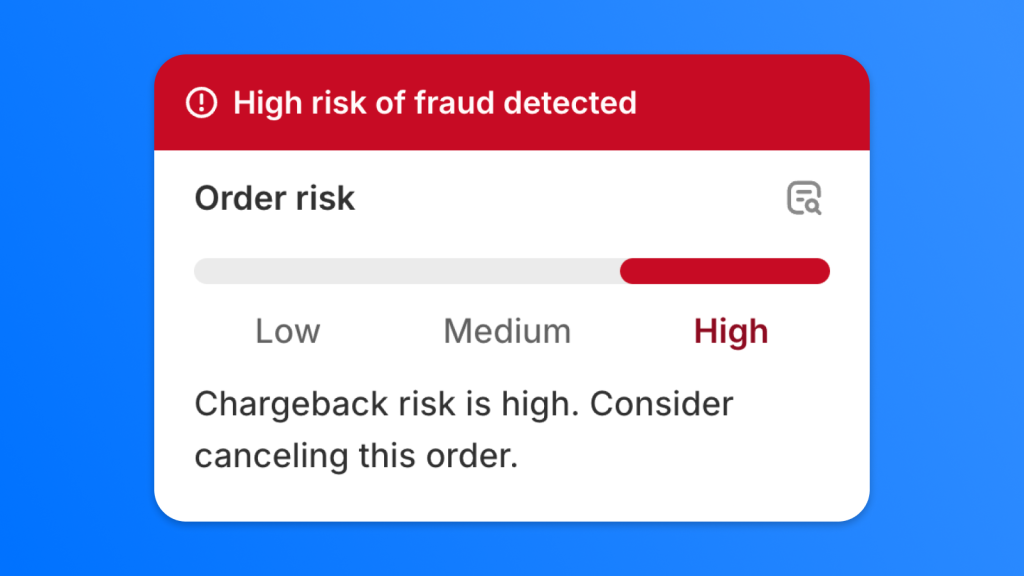
Watch for these warning signs:
If you think it’s friendly fraud, here’s what helps:
Here’s the honest truth: even with great evidence, you won’t win every time. The bank makes the call, and they don’t always play fair. But the more proof you send, the better your chances.
One of the most common points of confusion is the difference between these three terms. They all involve getting money back, but they work very differently.
| Chargeback | PayPal Dispute / Claim | Refund | |
| Who starts it | Buyer (with their bank/card issuer) | Buyer (or seller) in PayPal’s Resolution Center | Seller |
| Who decides | Card issuer | PayPal (once escalated to a claim) | Seller |
| Funds held? | Yes, while the case is open | Yes, during the dispute/claim | No hold – money is returned directly |
| Deadlines | Buyer: ~180 days; Seller response: ~10 days | Buyer must escalate within 20 days; Seller: ~10 days to respond | Sellers can issue refunds within 180 days |
| Fees | Chargeback fee may apply | Dispute fee may apply | No fee to refund, but receiving fees aren’t returned |
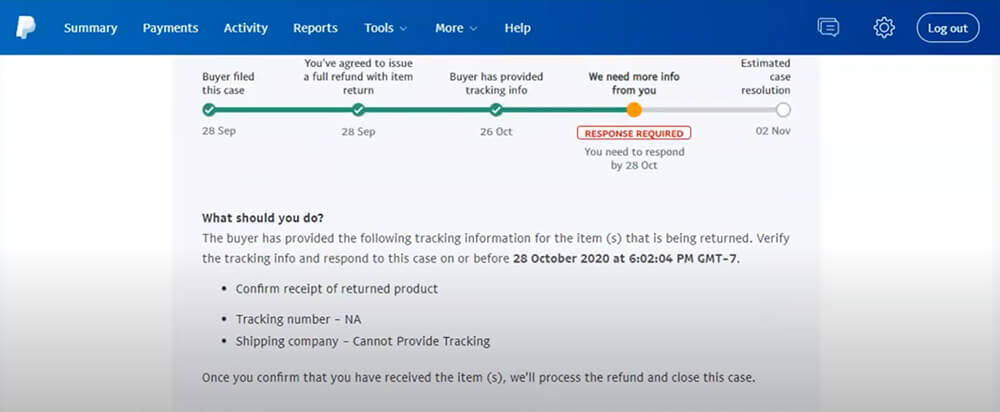
Fees are one of the biggest concerns for merchants dealing with chargebacks. PayPal charges two types of fees you need to know about: the chargeback fee and the dispute fee. They’re not the same thing.
When a buyer files a chargeback with their card issuer, PayPal gets charged by the card network. PayPal then passes that cost to the seller.
For US merchants, the chargeback fee is $20 USD. This fee applies to certain card chargebacks that are not processed through a buyer’s PayPal account or guest checkout.
Important: PayPal charges this fee regardless of whether the buyer wins the chargeback or not.
The dispute fee is separate and applies to cases that go through a buyer’s PayPal account or guest checkout – including disputes, some chargebacks, and bank reversals.
There are two tiers:
Source: PayPal’s Dispute Fees
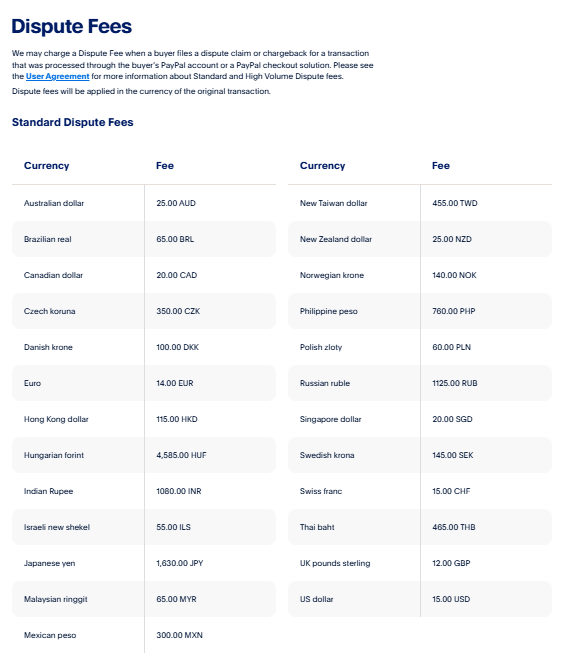
You’re placed in the High Volume tier if your dispute rate is 1.5% or higher and you’ve had more than 100 sales in the prior three full calendar months.
You won’t always be charged. PayPal waives or reimburses fees in certain situations:
One important distinction: if you win an appeal, PayPal reimburses the Standard Dispute Fee ($15). The High Volume Dispute Fee ($30) is not reimbursed, regardless of outcome, because it’s based on your overall dispute rate – not the result of any single case.
PayPal also offers Chargeback Protection as an optional add-on for eligible business accounts using Advanced Debit and Credit Card checkout (ACDC). If you’re eligible, it can waive the chargeback fee and remove the hold on your funds for certain dispute types – specifically “unauthorized” or “item not received” chargebacks.
Keep in mind: this product isn’t available to all merchants, and it has loss caps and exclusions. Check your PayPal account to see if you qualify.
Note: Fee amounts and availability vary by country. The figures above are US examples. Always check PayPal’s fees page and your local user agreement for the most accurate information.
Timing is everything when it comes to chargebacks. There are three separate clocks running at the same time – and missing any one of them can cost you.
Buyers can typically file a chargeback within 180 days of the transaction date, according to PayPal’s Help Center. PayPal also notes that buyers can file “180 days or more” after an order, depending on the card issuer’s own rules.
For context, many card networks typically require buyers to file within 60 to 120 days of the transaction – but this varies by issuer and region.
Once PayPal notifies you of a chargeback, you generally have about 10 days to respond with your evidence.
If you’re in the High Volume Dispute Fee tier, that window can shrink to just 3 days. This is a critical detail that many sellers miss.
Don’t wait. As soon as you receive a chargeback notification, open the Resolution Center and start gathering your documentation.
This part takes the longest. Here’s a realistic breakdown:
Plan your cash flow accordingly. Funds are held during this entire period.
| Stage | Who’s Responsible | Typical Timeframe |
| Buyer files chargeback | Buyer / card issuer | Any time within ~180 days of transaction |
| PayPal notifies seller; funds held | PayPal | Shortly after bank notifies PayPal |
| Seller submits evidence | Seller | Within ~10 days (3 days for High Volume tier) |
| PayPal disputes the chargeback | PayPal | ~30 days |
| Card issuer makes final decision | Card issuer | Up to ~75 days |
| Funds returned or refunded | PayPal | After issuer decision |
Understanding PayPal’s Seller Protection program is one of the most valuable things you can do as a merchant. It can cover your losses and even waive the chargeback fee – if you meet the requirements. On average, merchants win around 20–30% of chargeback disputes, but this rate varies by industry and dispute type – and can improve significantly when you submit strong evidence like delivery confirmation and customer communication records.
Seller Protection is PayPal’s program that shields eligible merchants from certain types of chargebacks. If your transaction qualifies, PayPal may cover the reversed amount and waive the chargeback fee – even if the buyer wins.
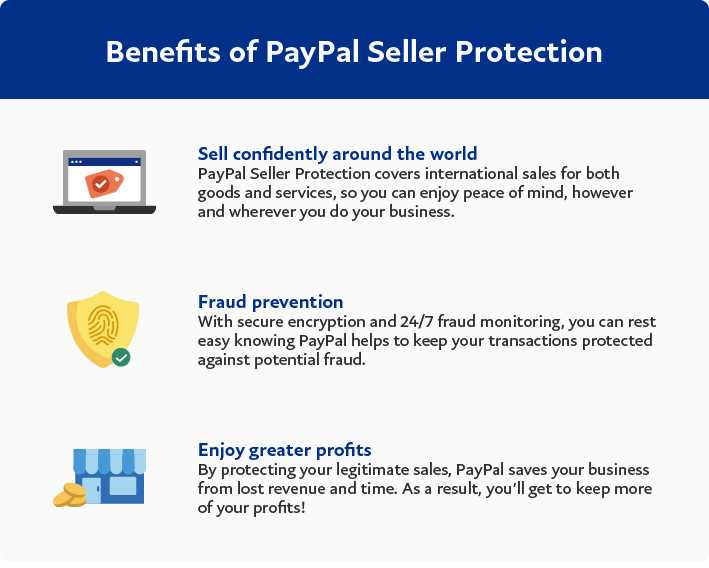
The key phrase here is “if your transaction qualifies.” Eligibility depends on following PayPal’s specific requirements carefully.
To qualify for Seller Protection, you generally need to:
The evidence you need depends on the reason for the chargeback:
For physical goods:
For digital goods:
General tip: Submit everything in one go. PayPal may not give you a second chance to add evidence after your initial submission.
It depends on the type of decision:
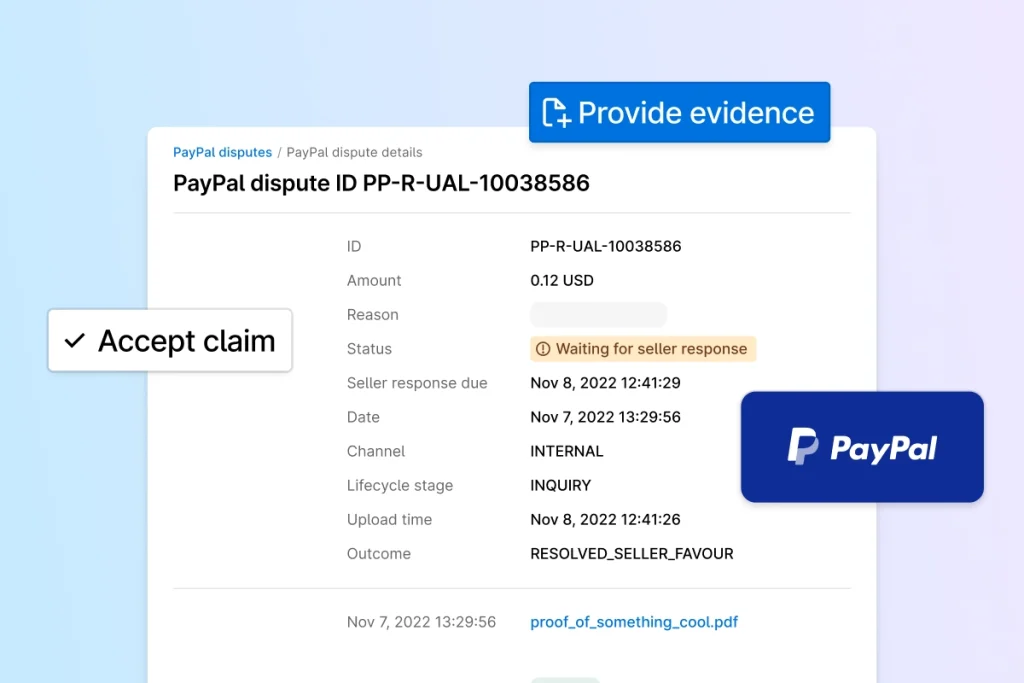
If you get hit with a chargeback, here’s exactly what to do:
Step 1: Open the Resolution Center immediately.
Read the chargeback reason carefully. The reason code tells you what the buyer is claiming – and that determines what evidence you need.
Step 2: Decide whether to contest or accept.
If you’re confident you can prove your case, contest it. If the buyer has a valid point, accepting the chargeback is often faster and cheaper.
Step 3: Gather your evidence.
Based on the chargeback reason, pull together your proof of shipment, delivery confirmation, communications with the buyer, and your return policy.
Step 4: Submit everything before the deadline.
You have about 10 days (sometimes 3). Don’t delay. Submit all your documentation at once – organized and clearly labeled.
Step 5: Monitor the case. Chargebacks can take weeks or months to resolve. Keep an eye on the hold on your funds and track the case status in PayPal.
The best chargeback is the one that never happens. Here’s what you can do to reduce them:
>>> Learn More: How to Avoid Chargebacks on PayPal: 6 Proven Ways to Protect Your Business Profits
Here’s a hard truth most merchants learn too late: a chargeback isn’t just a payment reversal. It’s a signal to PayPal that something went wrong. Too many of them, and your funds get held longer, your dispute fees go up, and your account trust takes a hit.
The root cause? Missing or unverified tracking information. When PayPal can’t confirm that an order was shipped and delivered, disputes are easier for buyers to win – and harder for you to fight. You end up spending hours gathering tracking numbers, uploading evidence manually, and waiting weeks for PayPal to release your funds.
And if you’re managing dozens or hundreds of orders a month, doing this manually isn’t just inefficient. It’s a liability.
That’s where Synctrack PayPal Tracking Sync comes in.
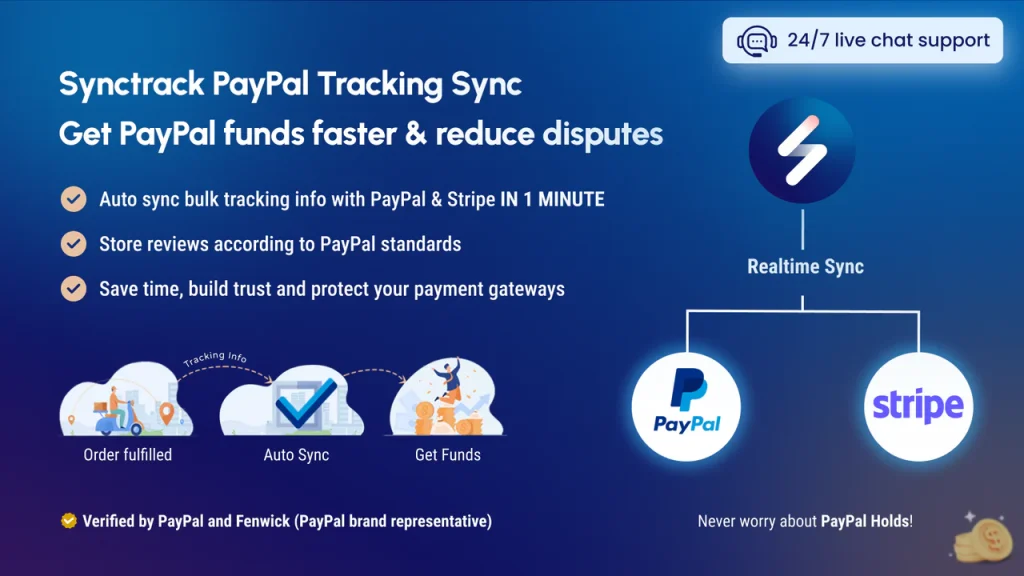
Synctrack is a Shopify app that automatically syncs your order tracking information to PayPal and Stripe in real time – no manual uploads, no missed orders. The moment a package ships, PayPal gets the tracking number. That means PayPal can verify the transaction faster, release your funds sooner, and flag your account as low-risk.
Here’s what Synctrack does for your store:
If you’re serious about reducing chargebacks, the most effective thing you can do is make sure PayPal always has verified tracking on every order. Synctrack makes that automatic.
A PayPal chargeback is when a buyer contacts their bank or card issuer to dispute a charge. The bank withdraws the funds from PayPal, which then holds the seller’s money while the case is reviewed. PayPal collects the seller’s evidence and sends it to the card issuer, who makes the final decision.
A dispute is opened inside PayPal’s Resolution Center and decided by PayPal. A chargeback is filed with the buyer’s bank or card issuer and decided by the card issuer. Disputes are generally faster and less costly for both sides.
For US merchants, PayPal charges a $20 chargeback fee for card chargebacks not processed through a PayPal account. Separately, a dispute fee of $15 (Standard) or $30 (High Volume) may apply for cases processed through PayPal or guest checkout. Fees vary by country.
If you win and you were charged the Standard Dispute Fee ($15), PayPal reimburses it. The High Volume Dispute Fee ($30) is not reimbursed, even if you win.
Total resolution can take anywhere from a few weeks to 75 days or more. PayPal typically takes around 30 days to dispute the chargeback, and the card issuer can take up to 75 days to make a final decision.
Buyers can typically file a chargeback within 180 days of the transaction date. However, the actual deadline depends on the card issuer’s own rules, which can vary.
Sellers generally have about 10 days to respond. If you’re in the High Volume Dispute Fee tier (dispute rate ≥ 1.5%), you may only have 3 days.
A PayPal chargeback can feel overwhelming the first time you deal with one. But once you understand how the process works – who’s involved, what the deadlines are, and what evidence matters – you’re in a much stronger position to handle it.
The most important things to remember:
Stay proactive, keep your documentation organized, and make it easy for buyers to reach you. Those three habits alone will reduce your chargeback risk significantly.






