Let’s be honest: tracking down a single return request or pulling weekly return stats usually means opening another tab, navigating through app menus, and digging through data. When you’re busy running a store, those extra clicks add up fast.
What if you could simply ask for what you need in plain English and get an instant answer right inside your Shopify Admin?
We’re excited to announce that Synctrack Returns & Exchanges is officially integrated with Shopify Sidekick, Shopify’s AI-powered commerce assistant.
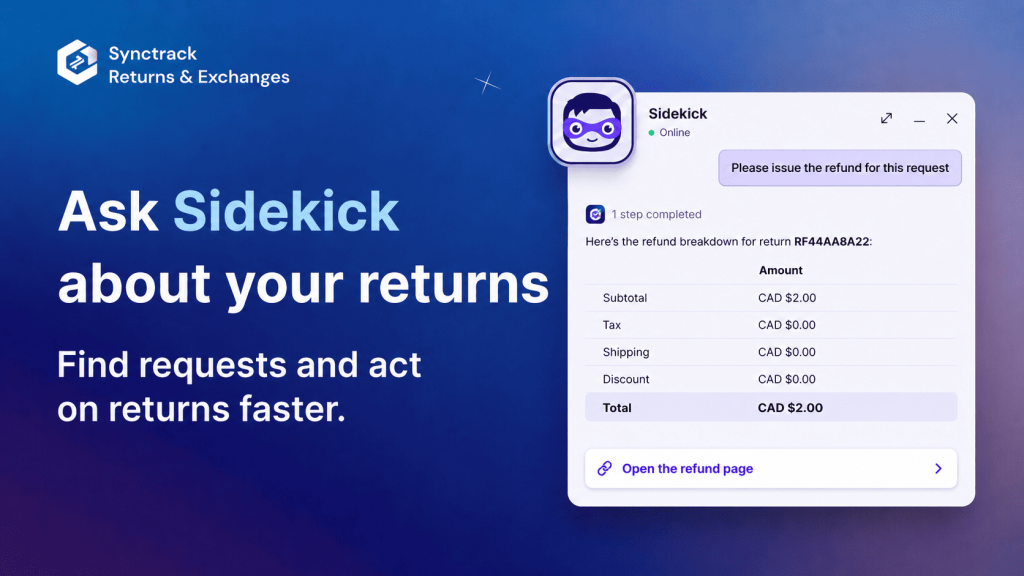
Instead of clicking into the Synctrack app every time you need to check a status or pull a quick report, you can now manage your returns conversationally – directly from any page in your Shopify Admin.
Sidekick pulls real-time data straight from Synctrack, giving you immediate answers, quick access links, and hands-free request handling.
No extra setups, no background syncs, and no additional cost. If you have Synctrack installed and Shopify Sidekick enabled in your Admin, you are ready to go.
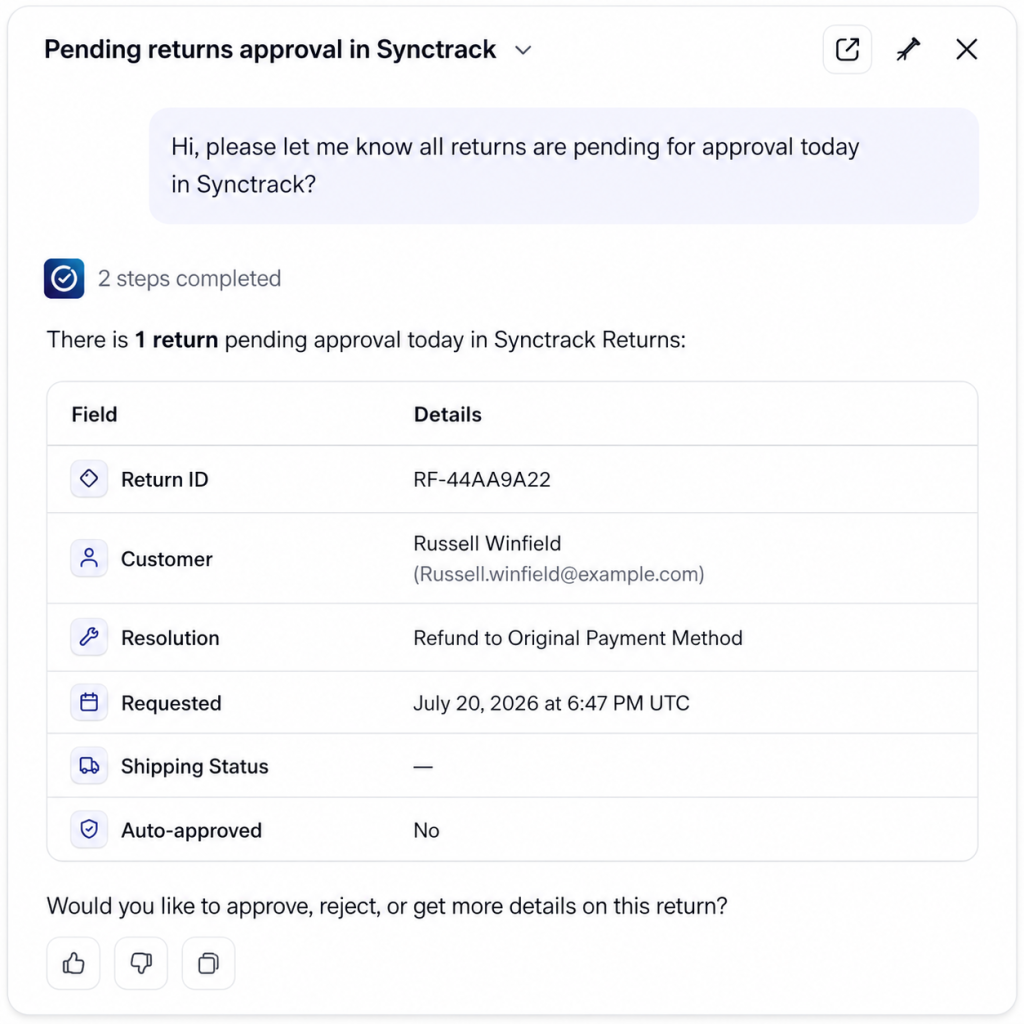
Here is how this integration speeds up your daily customer support and fulfillment workflow:
Stop guessing what needs your attention today. Ask Sidekick to give you a quick digest of open items before you start your morning workflow.
Try asking: "Show me pending returns waiting for review" or "Any exchange requests I haven't handled this week?"
When a customer emails your support line asking about their return status, you don’t need to manually cross-reference numbers across tools.
Try asking: "What’s the status of the return for order #1042?" or "Show me the return history for [email protected]"
Need a fast check on return volumes or top return drivers for your weekly team sync? Sidekick aggregates your Synctrack numbers in seconds.
Try asking: "What were the top return reasons last month?" or "What is our total refund amount this quarter?"
Sidekick isn’t just a reader – it can help you process requests. When you ask Sidekick about a specific order, it opens that request directly in Synctrack, allowing you to tell Sidekick to:
We know how important your store data and financial accuracy are. Here is how we ensure you stay in total control:
Zero-Hallucination Answers: If an order number isn’t found or Synctrack is disconnected, Sidekick will tell you directly rather than making up data.
You Control the Money: Sidekick will never issue a refund automatically. When you ask to refund an order, Sidekick opens the refund screen in Synctrack so you can review the resolution and confirm the amount yourself.
First-Time Data Consent: The first time you ask a return-related question, Shopify Sidekick will ask for your explicit permission to read Synctrack data.
That’s it! You’re ready to start asking questions.
Need assistance getting started?
Have questions about how Sidekick works with your current plan? Reach out to our support team via live chat in the Synctrack app or email us – we’re happy to walk you through it!






