A delivery exception means an unexpected event has interrupted a package’s normal journey. The shipment is usually still in the carrier’s network, but its estimated delivery date may change. It does not automatically mean the package is lost, damaged, or being returned. For shoppers, the next step depends on the reason shown in the tracking history. For Shopify merchants, a fast and specific update can prevent a routine carrier delay from becoming a support ticket, refund request, or chargeback.
This guide explains what delivery exceptions mean, why they happen, and how both customers and merchants should respond.
A delivery exception is a tracking status used when something unexpected affects a shipment in transit or during the final delivery attempt. FedEx describes it as a temporary delay caused by circumstances such as severe weather or a natural disaster. UPS uses “Exception” when an unexpected problem in its network may change the scheduled delivery date.
The exact wording varies by carrier. You might see “delivery exception,” “shipment exception,” “operational delay,” “weather delay,” “clearance delay,” or “delivery attempted.” In each case, the important information is the reason listed in the tracking history and whether the carrier asks for action.
An exception can happen at any point after the carrier receives the package. It may occur at an origin facility, a sorting hub, customs, a local facility, or the customer’s address.
Not always. An exception warns that an event could affect the schedule, but the carrier may recover the time later in the route. FedEx specifically notes that an exception does not necessarily mean a shipment will arrive late.
If the original date is no longer realistic, the tracking page may display a revised date. Sometimes it will show “pending” until the carrier has enough information to calculate a new estimate.
No. A lost package usually has no useful movement for an extended period or is confirmed missing after a carrier search. An exception normally includes a known disruption, such as an address problem, weather event, failed attempt, or customs hold.
If there are no new scans beyond the carrier’s recommended waiting period, contact the carrier or ask the merchant to open an investigation.
Some exceptions require the customer or merchant to provide information. Others can only be resolved by the carrier. Understanding the cause helps you avoid unnecessary calls while acting quickly when a response is needed.
A delivery exception with incorrect address status means the carrier cannot confidently complete delivery with the address on the label. The street number, ZIP or postal code may be wrong. An apartment, suite, floor, company name, gate code, or buzzer number may also be missing.
Carriers sometimes correct a minor error themselves, but this can add time. If they cannot verify the destination, they may hold the package, ask the shipper for instructions, or return it to the sender.
A delivery exception local weather delay means unsafe or disruptive weather is affecting the package’s route, a sorting facility, or final-mile delivery. The weather at the customer’s home may look normal while a storm affects a hub hundreds of miles away.
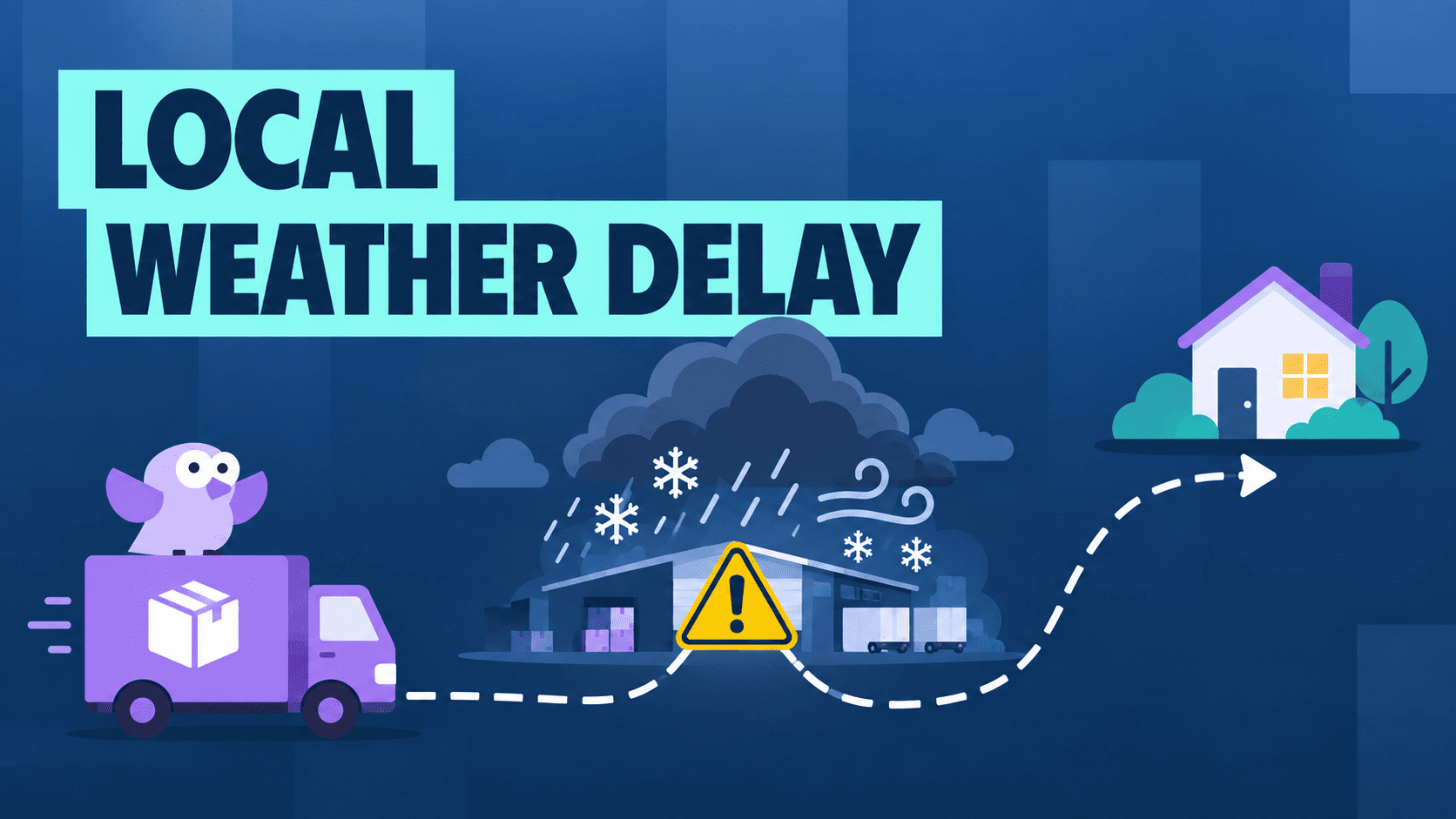
Snow, hurricanes, floods, wildfires, tornadoes, severe storms, and related road or airport closures can all interrupt service. The safest response is usually to monitor tracking and carrier service alerts. A merchant or customer cannot remove the disruption, and repeated support calls will not move the package faster.
The estimated date may update only after the affected facility resumes normal operations. Carriers also may suspend a service guarantee when conditions outside their control disrupt the network, so merchants should check the terms for the service used before promising a shipping refund.
The driver may attempt delivery but be unable to leave the package. This often happens when a signature is required, the property is inaccessible, or the carrier does not consider the drop-off location secure. Tracking should show whether another attempt will happen automatically or whether the customer can schedule redelivery, hold the parcel, or update delivery instructions.
International shipments may stop at customs because documentation is missing, incomplete, or inaccurate. Officials may request a product description, value, proof of purchase, tax identification number, import license, or payment of duties and taxes. Respond through official carrier or customs channels, not suspicious delivery texts.
A mechanical issue, missed connection, staffing problem, routing error, or high parcel volume can interrupt normal movement. Most resolve after the carrier moves the parcel to the next available trailer, flight, or route.
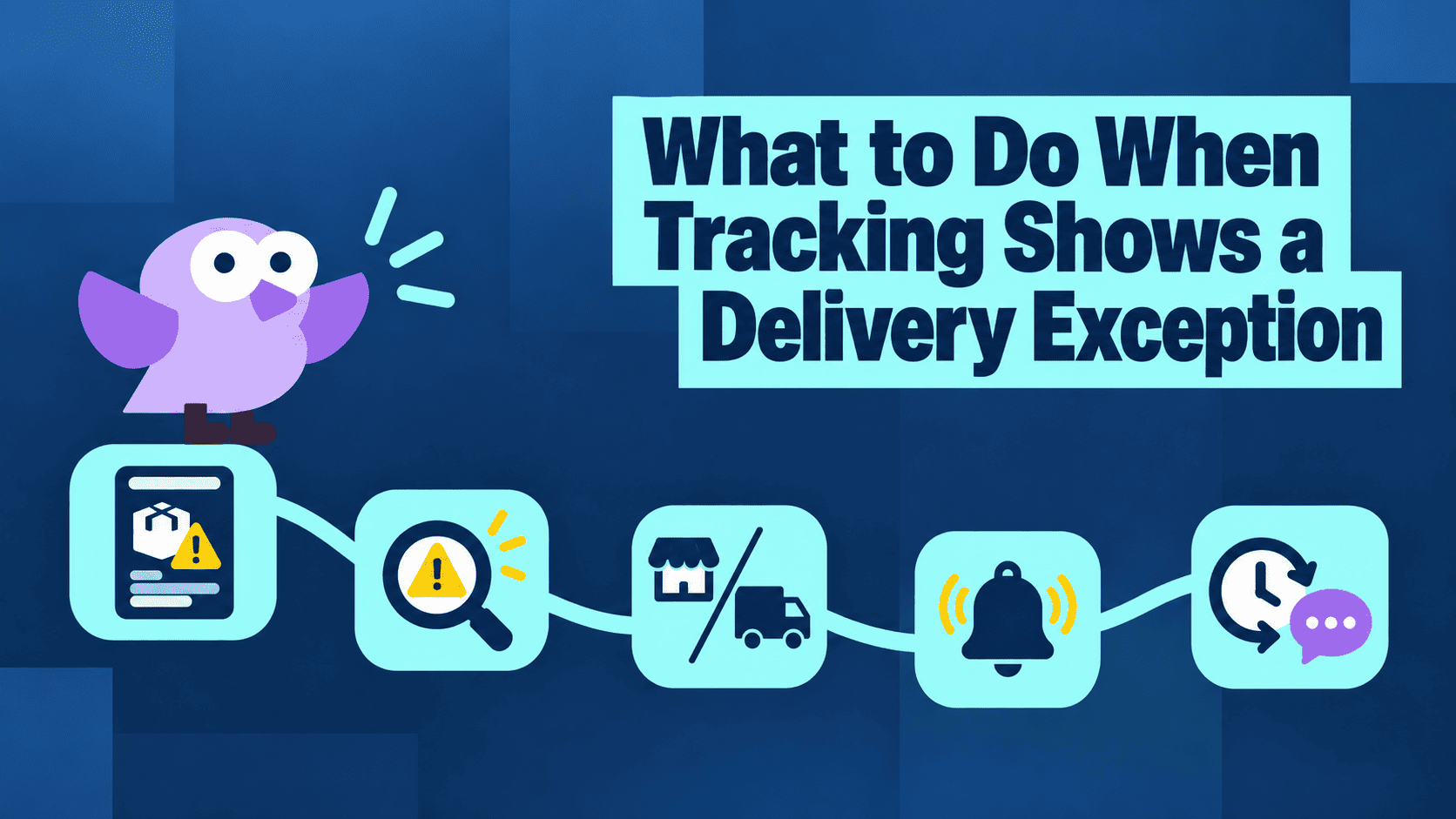
Start with the detailed tracking page, not just the short status shown in an email or order page. The latest scan usually reveals whether you need to act.
Open the official carrier site and enter the tracking number. Check the location, timestamp, reason, revised delivery date, and any requested action.
Avoid links in suspicious delivery texts. Fake messages often claim that an address or small fee must be corrected. Navigate to the carrier’s website or app directly.
The response falls into one of three groups:
| Exception | Best first action |
| Weather or broad service disruption | Monitor tracking and carrier service alerts |
| Incorrect or incomplete address | Contact the carrier or merchant immediately |
| Missed signature or inaccessible location | Arrange redelivery, pickup, or valid instructions |
| Customs documentation or fees | Provide the requested information through official channels |
| Operational delay with no action request | Wait for the next scan or revised date |
| No movement for an extended period | Ask the merchant or carrier to investigate |
Some carriers limit address changes to the shipper. If the customer cannot edit the destination, the merchant should contact the carrier using the account that purchased the label.
Carrier alerts can notify you when the package moves, the date changes, or a delivery attempt is scheduled. This is more reliable than repeatedly refreshing an order-status page.
A weather or routing exception often needs no immediate intervention. Give the carrier time to process the parcel and publish a new scan. If the revised date passes or tracking stops updating longer than the carrier advises, escalate. The merchant may need to open a trace because the shipping contract is often between the merchant and carrier.
Customers should contact the store when the carrier needs shipper authorization, the parcel is being returned, tracking remains stalled, or the order is already well beyond the promised window. Provide the order number, tracking number, confirmed delivery address, and the action already taken.
For merchants, this is the point where a support ticket should become a structured tracking case. A tool like Synctrack Order Tracking can help the store give customers a branded order lookup page, show the latest shipment status, and reduce the need to explain the same carrier scan by email. If the package is still moving, the customer can keep following updates. If the order needs action, the support team has a clearer tracking context before deciding what to do next.
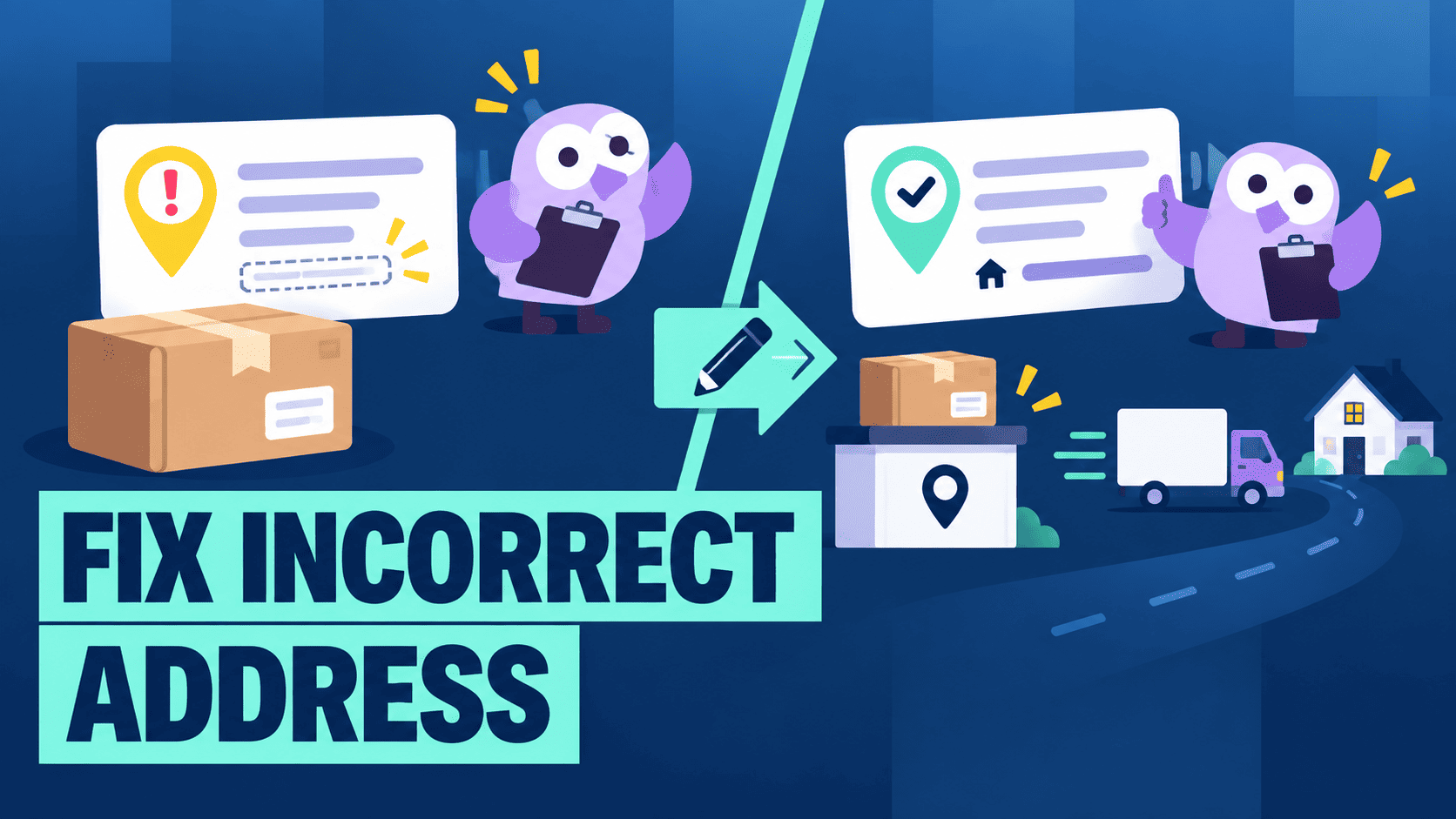
Address problems deserve quick action because the correction window can be short.
First, compare the order confirmation with the correct address. Check the name, street number, apartment or suite, city, state or province, ZIP or postal code, and country. For gated properties, include the access details permitted by the carrier.
Then contact the carrier through its official tracking or delivery-management service. Ask whether the address can be corrected, the parcel can be held for pickup, or the shipper must request the change.
The customer should also notify the merchant. Shopify merchants should verify that the request comes from the order’s customer before changing sensitive delivery information. Keep a record of the original address, requested correction, time, and carrier response.
If correction is impossible, the parcel may return to the sender. The merchant should not send an immediate replacement to an unverified address. Wait for carrier confirmation, confirm the correct destination, and apply the store’s policy.
Merchants can prevent repeat errors by using address validation where appropriate, making apartment fields easy to find, and showing the full address for review before or immediately after checkout.
Weather exceptions are different because neither the customer nor the merchant can correct the route.
Check the carrier’s service-alert page and the detailed shipment history. A local weather delay may refer to the facility holding the package, not the final destination. If the carrier provides no action request, monitor updates and avoid submitting duplicate cases.
Messages should be specific without pretending to know more than the carrier does. For example: Your package is still in the carrier’s network, but severe weather has interrupted movement at a transit facility. The carrier has not posted a new delivery date yet. We’re monitoring the tracking and will update you when a new scan appears.
That message explains the problem, current status, and next step. “Please be patient” does not.
A carrier exception is operational, but customers experience it as part of the store’s service. They paid the merchant and will usually ask the merchant for a solution.
How delivery exceptions appear in Shopify
| Shopify status | Meaning |
| Delayed | The shipment is behind its expected delivery date. |
| Failure | The delivery attempt failed. |
| Not delivered | The carrier reports that the shipment could not be delivered. |
These are the labels Shopify displays for a shipment. They are not an automatic match for every carrier exception. The status Shopify shows depends on the tracking data the carrier sends.
A strong response begins before the order is placed. Separate fulfillment time – the period needed to prepare an order – from carrier transit time. Include cutoff times, weekends, holidays, and location-based differences.
Merchants that need more control over pre-purchase delivery messages can also use Synctrack’s estimated delivery date app to show delivery windows by product, destination, preparation time, workdays, cutoff time, holidays, and other rules. This does not prevent a later carrier exception, but it reduces the first pain point: customers buying with unclear expectations.
Keep the estimate honest. A narrow date range may improve confidence at checkout, but it becomes a liability if it ignores normal handling time or predictable peak-season pressure. State that severe weather, customs, and other carrier disruptions can change an estimate after shipment.
This is also where terminology matters. A delivery expectation is a pre-purchase or checkout estimate. It is not live parcel tracking and cannot predict every later exception.
Create an internal process for exception orders. At minimum, record the order, carrier, reason, last scan, original promise, revised estimate, next review date, and owner.
Prioritize exceptions that require action, involve high-value or perishable products, have passed the promised window, or affect loyal customers. Weather delays with fresh scans can often wait; address and customs issues should move to the top of the queue.
Use the carrier’s language but translate it into plain English. Tell the customer what happened, whether the package is still moving, whether they need to do anything, when the store will check again, and what will happen if the parcel does not move.
Do not call a shipment lost before the carrier’s investigation supports that conclusion. Likewise, do not keep repeating that it is “in transit” after the revised date has passed without a clear escalation plan.
Write a policy for common outcomes before the support team faces them. Define when to keep monitoring tracking, when to open a carrier case, when to replace an order, whether to charge for reshipping after a customer-entered address error, and what happens when a parcel returns to the warehouse.
For the tracking side, Synctrack Order Tracking helps merchants keep customers informed before the issue becomes a support ticket. Customers can use a branded tracking page to look up their order, check the latest shipment status, and follow updates in one place. The app also supports tracking notifications, so stores can update shoppers when shipment status changes instead of waiting for them to ask.
If the delivery exception later turns into a return, replacement, or refund case, the workflow should move into a clear resolution process. That is where Synctrack Returns & Exchanges fits better. Merchants can set eligibility rules, return windows, approval flows, return methods, and return-shipping instructions. Depending on the store’s policy, customers can request a refund, exchange, store credit, gift card, or discount code.
This split keeps the promise clear. Synctrack Order Tracking helps customers understand what is happening to the shipment. Synctrack Returns & Exchanges helps merchants manage the outcome if the delivery problem becomes a post-delivery or returned-to-sender case.
Do not treat every case as isolated. Group exceptions by carrier, service, fulfillment location, destination, product, and cause.
A cluster of incorrect-address exceptions may point to a weak checkout field or address-import problem. Repeated late handoffs may indicate that the store’s fulfillment time is too optimistic. Frequent weather disruption on one route may justify a wider seasonal estimate or another service.
Track exception rate, time to first update, time to resolution, refund or reship rate, and return-to-sender rate. Synctrack can also help merchants see the post-exception outcome through return reasons, exchange requests, refund choices, return methods, and return status. If many weather-delayed orders later become refunds, the store may need wider delivery windows for that season. If incorrect-address exceptions often become returned-to-sender cases, the store may need stronger address review before fulfillment.
A delivery exception is hard for customers because the message often feels unclear. They may not know whether the package is lost, delayed for a day, waiting for another scan, or already being sent back. For Shopify merchants, that confusion usually turns into “Where is my order?” tickets, repeated tracking checks, and pressure to give an answer before the carrier has updated the shipment.
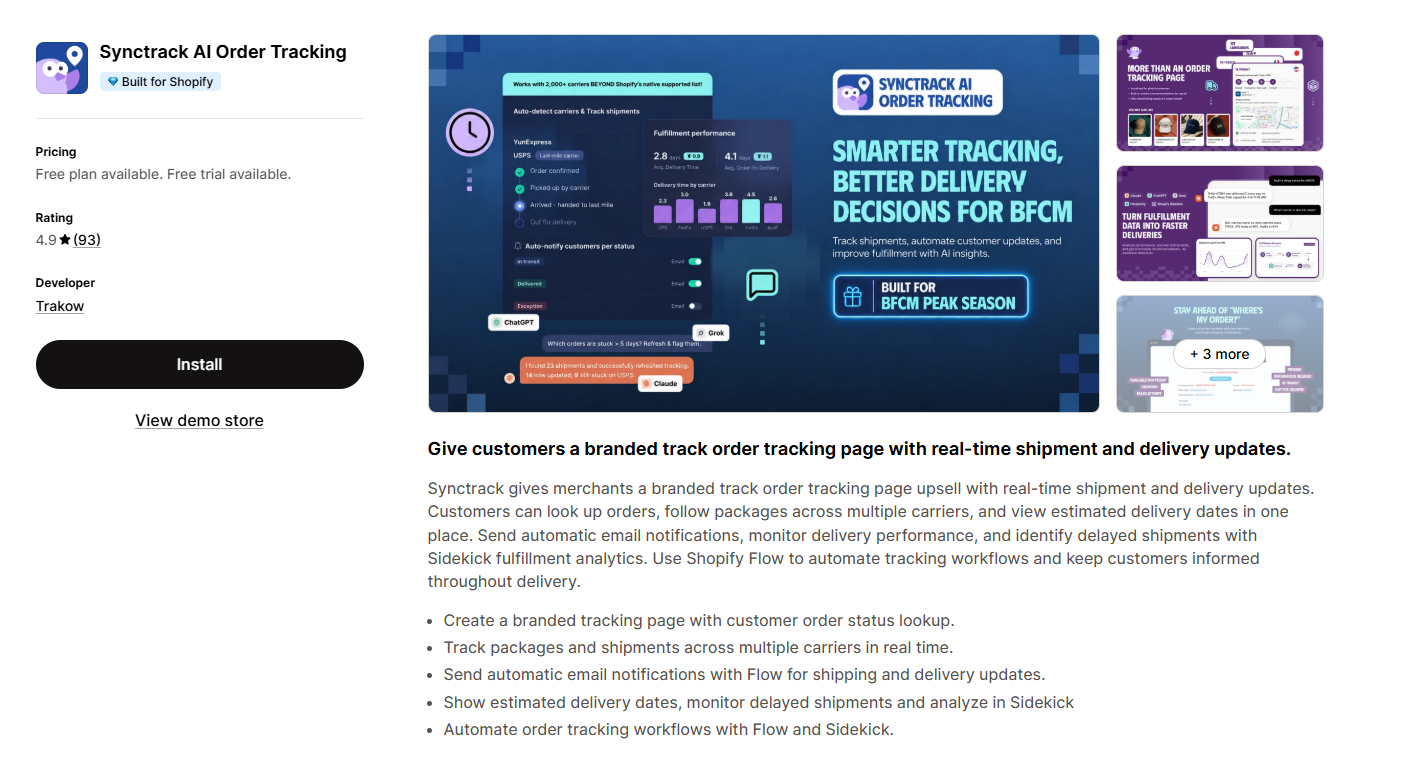
Synctrack Order Tracking helps by giving customers a clearer place to follow the order after purchase. Merchants can add a branded tracking page where shoppers look up their order and see real-time shipment updates in one place. Instead of jumping between carrier websites or contacting support as the first step, customers can check whether the order is in transit, out for delivery, delayed, or waiting for the next carrier update.
This is useful when the exception is caused by something the merchant cannot fix directly, such as local weather delay, carrier backlog, or a missed scan. In those cases, the best action is often to monitor tracking and wait for the next update. A clear tracking page helps customers understand that the order is still being followed, even if the carrier needs more time to move it.
Synctrack can also send email tracking notifications when shipment status changes. That helps merchants communicate before the customer has to ask. During busy seasons or disruption periods, these updates can reduce repetitive support tickets and make the post-purchase experience feel more reliable.
For the merchant team, Synctrack adds more structure behind the scenes. Tracking analytics and AI fulfillment insights can help stores review order tracking performance and notice patterns, such as repeated delays from certain couriers, regions, or shipping routes. Shopify Flow support also lets merchants build workflows around tracking events, so problem orders are easier to follow up on.
In short, Synctrack does not remove the delivery exception itself. The carrier still controls the package movement. But it helps Shopify merchants manage the customer-facing side of the exception: clearer tracking, proactive updates, fewer repeated support questions, and better data for improving delivery operations over time.
No store can prevent storms or network failures, but merchants can reduce avoidable exceptions.
Validate addresses early, make apartment fields easy to find, and show the full destination before fulfillment. Keep labels readable and prepare accurate customs documents for international orders. Set realistic handling times, especially around weekends, holidays, and peak season. Share tracking quickly so customers can act on address, access, customs, or signature issues before the correction window closes.
Merchants should also monitor carrier alerts and review exception patterns after the case is closed. If the same cause keeps appearing, adjust the checkout message, fulfillment rule, carrier service, packaging, or return policy.
Final Thoughts
A delivery exception is a warning that an unexpected event has interrupted normal delivery. It is not an automatic loss notice. Read the detailed scan, identify whether anyone needs to act, monitor the revised estimate, and escalate when movement stops beyond the carrier’s guidance.
For Shopify merchants, the best approach combines realistic delivery expectations, proactive tracking updates, and a clear escalation process. Synctrack Order Tracking can support that workflow with a branded tracking page, real-time shipment updates, email notifications, tracking analytics, and Shopify Flow automations, helping the store keep customers informed when a delivery exception appears.






