“Item Not Received” disputes are often lost simply because merchants cannot clearly show when and where an order was delivered. Gathering tracking screenshots and manually uploading them to payment gateways wastes time and leaves room for human error.
To help you secure your revenue, Synctrack now automatically creates a Delivery Confirmation PDF and attaches it directly to your PayPal, Shopify Payments, and Stripe dispute evidence. This streamlines your chargeback response process, ensuring your delivery data is presented clearly to reviewers without the manual heavy lifting.
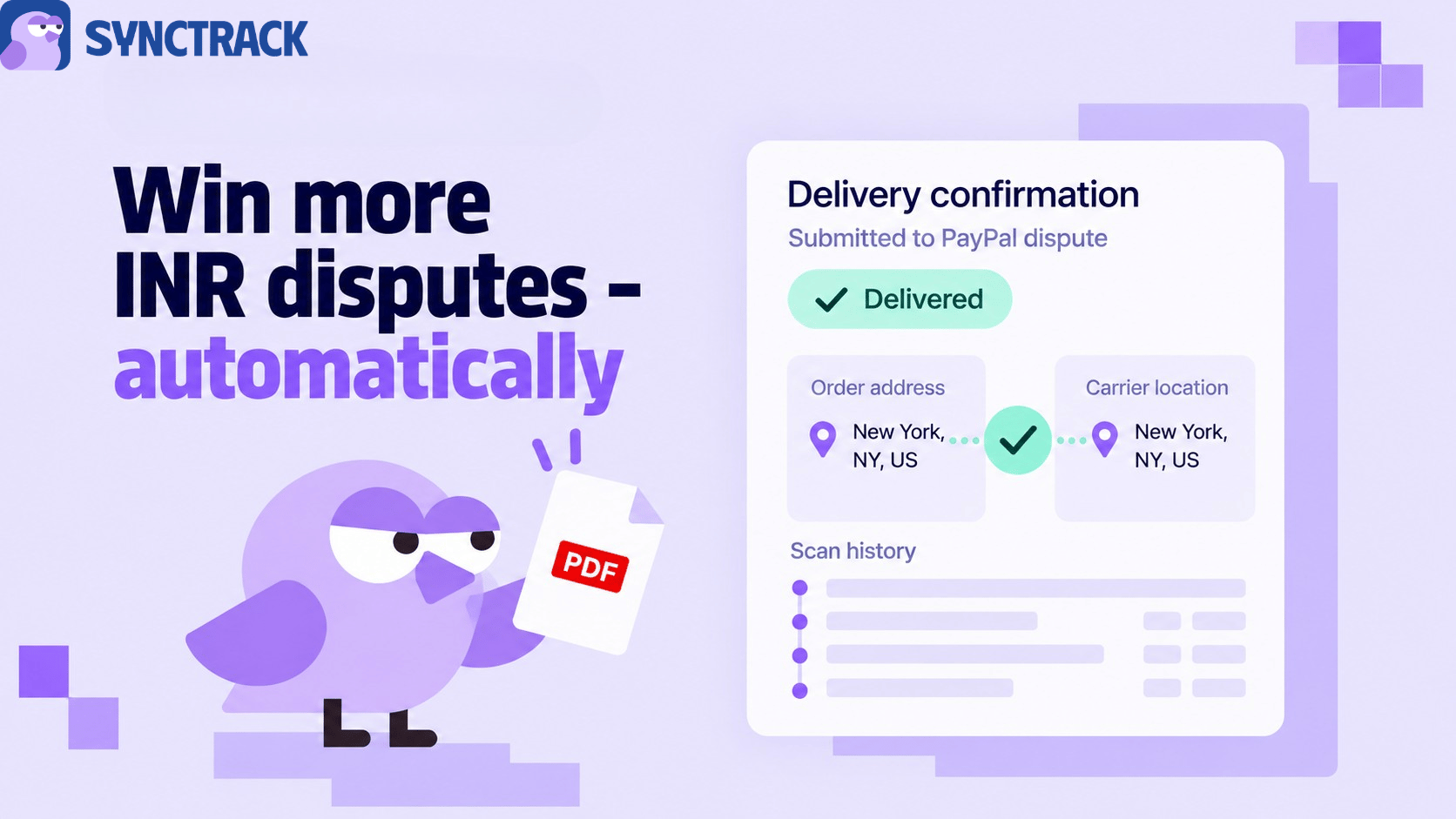
We have integrated a seamless document generation step directly into your dispute resolution workflow. When you respond to a chargeback, Synctrack compiles carrier data into a clear, gateway-ready PDF so you no longer need to take screenshots yourself.
The generated PDF provides a clear delivery conclusion and lists the full carrier scan history. Because carriers typically report only the city, province, and country rather than a street address, the document separates the carrier data from the order address into two distinct blocks. This allows the reviewer to compare the two directly and verify the delivery destination.
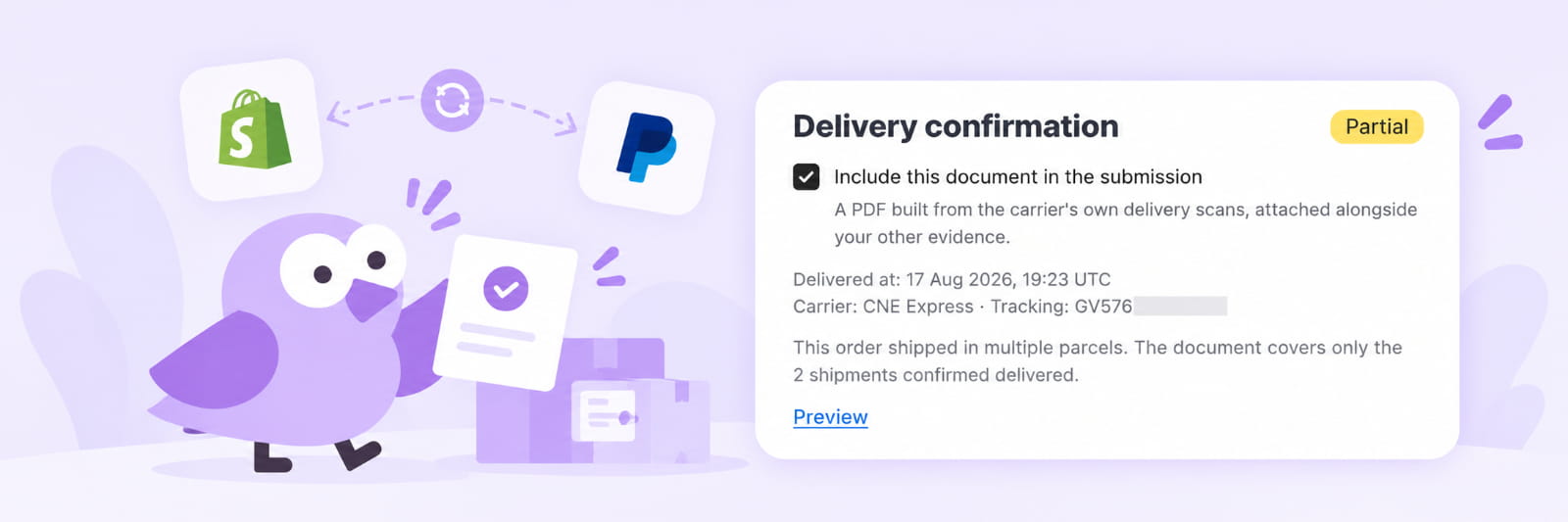
Handling disputes manually drains your operational resources and impacts your bottom line. Automating your delivery proof protects your revenue while streamlining your backend operations.
The Delivery Confirmation feature is available on Synctrack Pro and Premium plans, and is enabled by default. Ensure your tracking is set up, and you can start attaching proof immediately.
For Shopify Payments and Stripe, the document uses the Shipping documentation slot. Each slot holds one file, so remember to remove any existing file in that slot first. Please note that external lookup works for shipments fulfilled in the last 90 days, and signature or photo-at-door proof still requires a manual upload.
Ready to protect your revenue from unwarranted chargebacks? Head to your Synctrack dashboard to review your dispute settings, or read the full documentation here.






