Significantly Not as Described (SNAD) is the official name for what most people search as “PayPal item not as described.” It gives buyers a clear way to get a refund when an item doesn’t match what the seller promised. This protection matters to both sides. Buyers want their money back when a product is wrong. Sellers want to defend themselves against false claims. Both groups need the same rules: the deadlines, the evidence, and the limits.
This guide walks you through the full process. You’ll learn what counts as SNAD, what doesn’t, how each side builds a strong case, and the choices that decide the outcome.
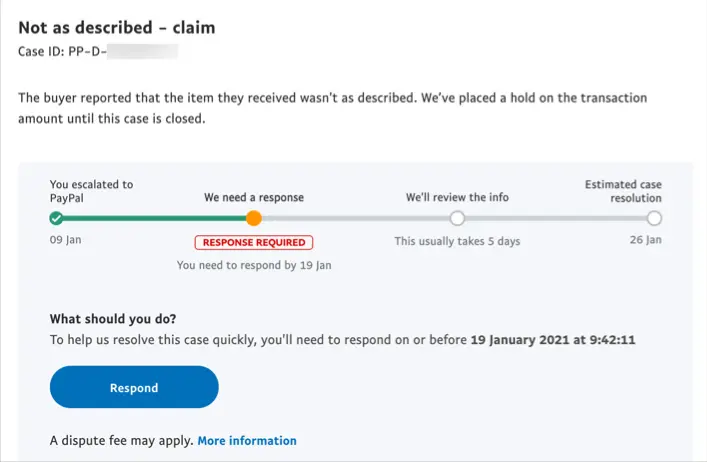
PayPal calls an item Significantly Not as Described when it is materially different from what the seller described at the time of sale. That word “materially” matters. A small cosmetic difference or a simple case of “I don’t love it” won’t qualify. The gap has to be real and easy to prove by comparing the listing to what arrived.
PayPal lists 6 clear examples:
The line between SNAD and simple buyer’s remorse matters here. PayPal does not cover cases where you just changed your mind, decided you don’t like the product, or got exactly what the seller described but feel let down by it. The item has to be truly wrong, not just disappointing.
Here’s one of the most important things any buyer needs to know: PayPal tightened the SNAD filing window in May 2024.
Before that, buyers had 180 days from the payment date to file a claim. Many people felt that the window was far too long and easy to abuse. So the rule changed on May 20, 2024.
Now, you must open an SNAD dispute within 30 days of delivery or 180 days of payment, whichever comes first.
For most purchases, delivery happens within days or weeks. So your real window is now 30 days from delivery, not 180 days from payment. This also broadly aligns with eBay’s Money Back Guarantee, though eBay is more generous because it uses the longer of 30 days or the seller’s stated return window.
The process moves through three stages.
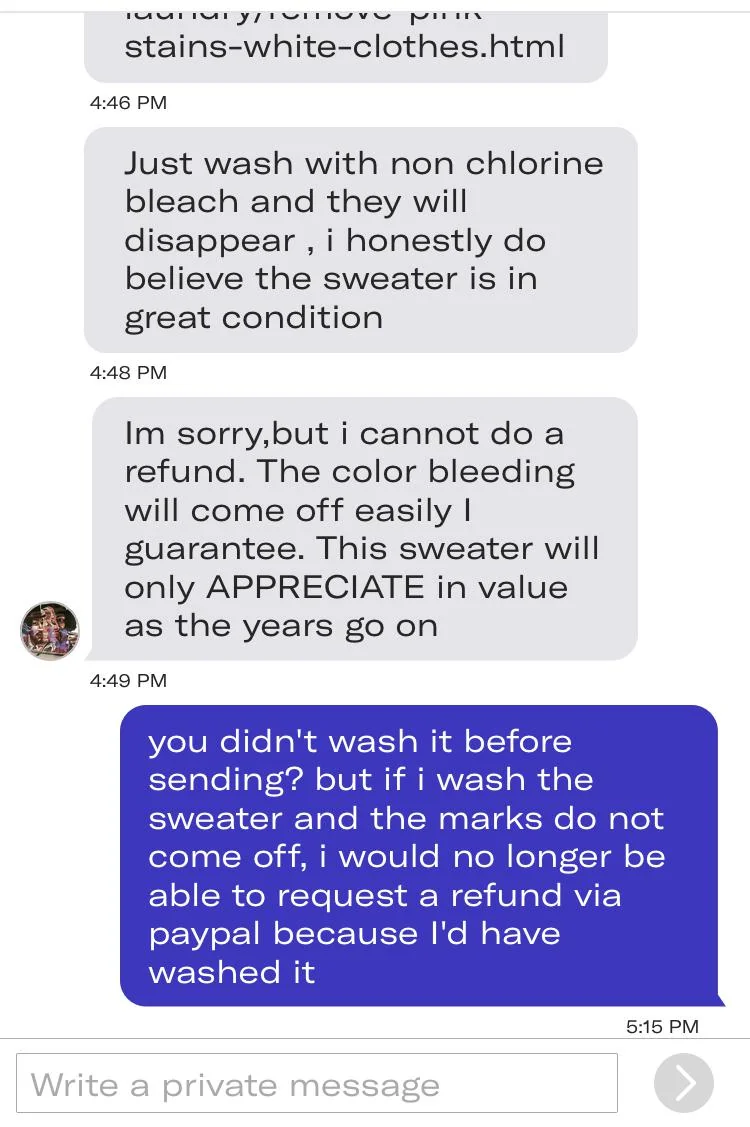
Before you open a formal dispute, message the seller. PayPal recommends this, and it’s smart. A quick note often solves the problem faster than the formal route. You’ll find the seller’s contact details in your PayPal Activity under the transaction.
Many SNAD cases come from simple mix-ups: a shipping error, customs damage, or a packing mistake. Plenty of sellers fix these right away. Give the seller a few days to respond before you move on.
If the seller goes quiet or can’t help, open a formal dispute:
Once you file, both sides have 20 days to talk through the Resolution Center and try to agree. During this time, PayPal holds the disputed amount, but your account keeps working as normal.
If you can’t agree within 20 days, either side can escalate the dispute to a claim. Once that happens:
Here’s a key detail: if a dispute is never escalated and never resolved, it closes on its own after 20 days. And once a dispute closes, you can’t reopen it. So if you’re a buyer and the seller won’t respond, escalate before day 20. Don’t let the clock run out.
When PayPal sides with the buyer, you’ll usually need to return the item before you get your refund. To do that, you must:
That last point is a real catch, and we’ll come back to it. Even when you win, PayPal does not cover return shipping. For heavy, fragile, or overseas items, that cost can come close to, or even pass, the value of the item itself.
Knowing the exclusions is just as important as knowing the protections. PayPal’s Buyer Protection does not apply to these categories, even for SNAD claims:
| Excluded Category | Examples |
| Real estate | Residential property, land |
| Motorized vehicles | Cars, motorcycles, boats, aircraft |
| Custom-made items | Personalized goods, bespoke commissions |
| Industrial machinery | Manufacturing equipment |
| Financial instruments | Gift cards, prepaid cards, gold bullion, NFTs |
| In-person transactions | Items collected in person (QR code purchases are an exception) |
| Personal payments | Friends and Family transactions |
| Some intangibles | Donations, crowdfunding, gambling, and gaming credits |
| Items for resale | Bulk purchases meant for commercial resale |
| Prohibited goods | Anything that breaks PayPal’s Acceptable Use Policy |
Two of these trips people up the most.
First, the custom-made items are excluded. If a seller swore an item was authentic and it turned out fake, that still counts as SNAD. But if you commission a custom product and just feel the work fell short, PayPal won’t cover that.
Second, the Friends and Family exclusion. Money you send using “Send Money to a Friend” carries no buyer protection at all. For any purchase, always pick the Goods and Services option. This is the single most important step a buyer can take to stay protected.
A SNAD claim lives or dies on documentation. PayPal investigators decide based on the evidence in front of them, not on who sounds more convincing. So both sides need to come prepared.
The strongest evidence package includes:
The rule of thumb is simple: the more visual and factual your evidence, the stronger your case. Vague complaints like “I expected better quality” rarely win. Specific, provable gaps almost always do. For example, “the listing said 256GB storage, but the device shows 64GB” is hard to argue against.
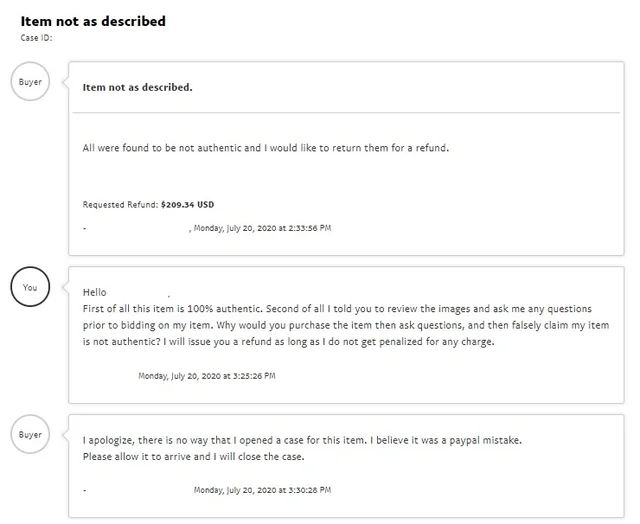
SNAD claims are the most dangerous type of dispute for sellers, and it’s worth knowing why. PayPal’s Seller Protection covers only two kinds of claims: Unauthorized Transactions and Item Not Received. It does not cover SNAD at all. So whether a buyer’s claim is honest or not, an SNAD dispute leaves the seller fully exposed. If the buyer wins, the seller usually refunds the full price plus the original shipping and has to take the item back, too.
Because of that, a seller’s only real defense is strong evidence. When responding, sellers should submit:
PayPal tells sellers to respond within 10 days. Miss that deadline, and the case automatically goes to the buyer. There are no exceptions.
If the first decision goes against you, you can appeal within 10 days of the case closing. Just return to the Resolution Center and select “Appeal Outcome.” One catch: sellers who didn’t respond during the claim stage can’t appeal.
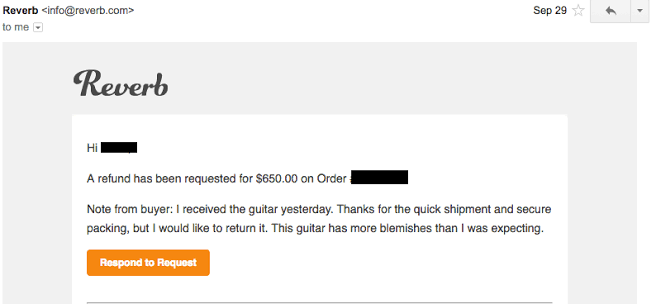
This is one of the most frustrating parts of the whole process: buyers must pay for return shipping, even when their claim is valid, and the seller was clearly at fault.
PayPal’s policy is direct. When you file an SNAD claim, you may have to ship the item back at your own cost, either to the seller, to PayPal, or to a third-party PayPal-named party. You also have to provide proof of delivery. And that return shipping cost is not refunded.
This creates a real headache in three cases:
When return shipping gets close to the item’s value, you have three options:
That second option is worth a closer look.
A “PayPal item not as described” dispute puts the seller in the worst spot of all. Seller Protection doesn’t cover SNAD, so your whole defense rests on the records you can pull together fast. But when a claim lands, most merchants are scrambling: digging through orders, hunting for the tracking number, and trying to prove the right item left the warehouse. You only get 10 days to respond, and a thin paper trail loses the case.
That scramble gets worse the busier you are. PayPal also holds your funds for up to 21 days when tracking is missing, so your cash sits frozen while you fight the dispute. Add tracking by hand on every order, across several Shopify stores, and gaps are bound to slip through. The one order you forgot to update is often the exact one a buyer disputes. Now you’re exposed on an SNAD claim with no clean delivery record to lean on.
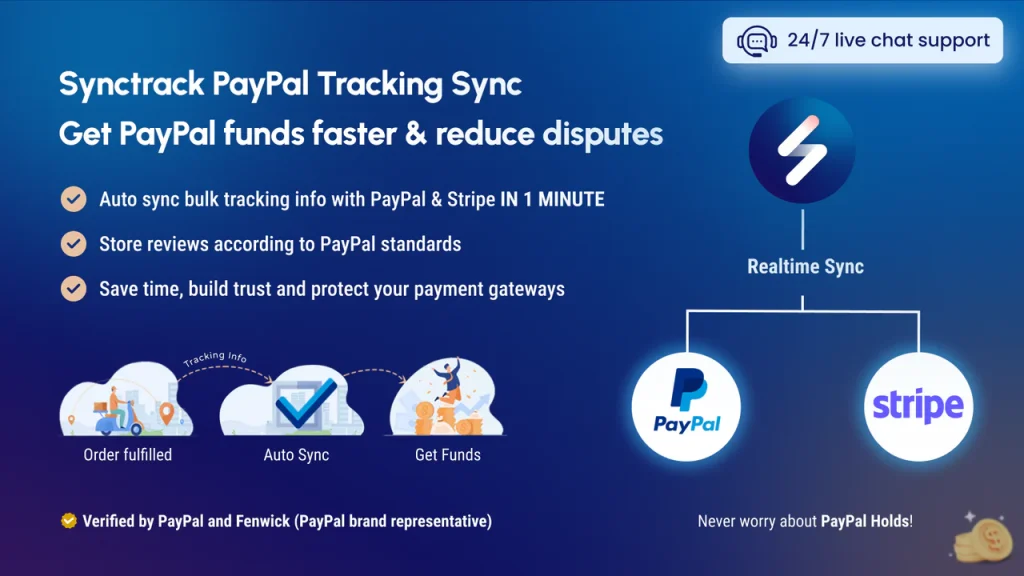
This is where Synctrack PayPal Tracking Sync earns its place. It’s a Shopify app and official PayPal partner that automatically syncs your order tracking to PayPal and Stripe, so every order keeps a complete delivery record without any manual work. Here’s what that does for your shop:
For any merchant doing real PayPal volume, that means every order is documented the moment it ships, so an SNAD claim never catches you flat-footed. Synctrack also offers a free plan, so you can test it on your shop before you commit.
A PayPal item not as described dispute can feel scary from either side, but the rules are clearer than they look. For buyers, it is simple: act fast within your 30-day window, document everything, contact the seller first, and escalate before day 20 if things stall. For sellers, the safest path is prevention, since Seller Protection won’t catch you if an SNAD claim lands.
Whichever side you’re on, the same truth holds. The party with the clearest, most specific evidence almost always wins. So keep your records tight, know your deadlines, and you’ll be ready for whatever shows up at the door.






